INTEGRATIONSConnect to what you run
Use a pre-built integration where it exists, or connect through API, secure file, scheduled export, or custom workflow tools where it does not.


















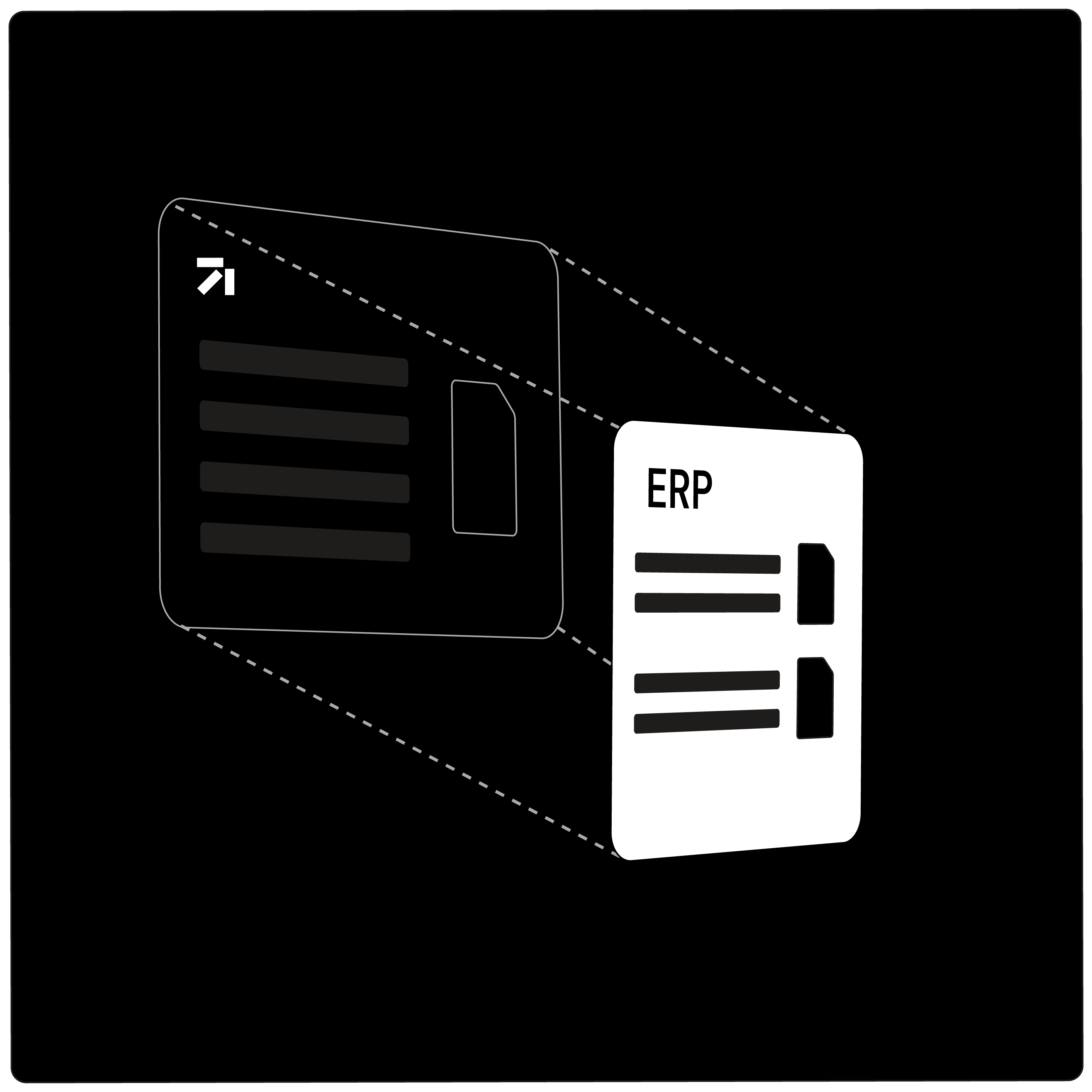
Your ERP should stay the system of record. It should not become the place where AP has to chase documents, fix coding, or rebuild approval context.
Finofo captures invoices, POs, contracts, vendor statements, expenses, approvals, and payments where the work happens. Then it sends clean, coded data back to your ERP or accounting system.
How it works
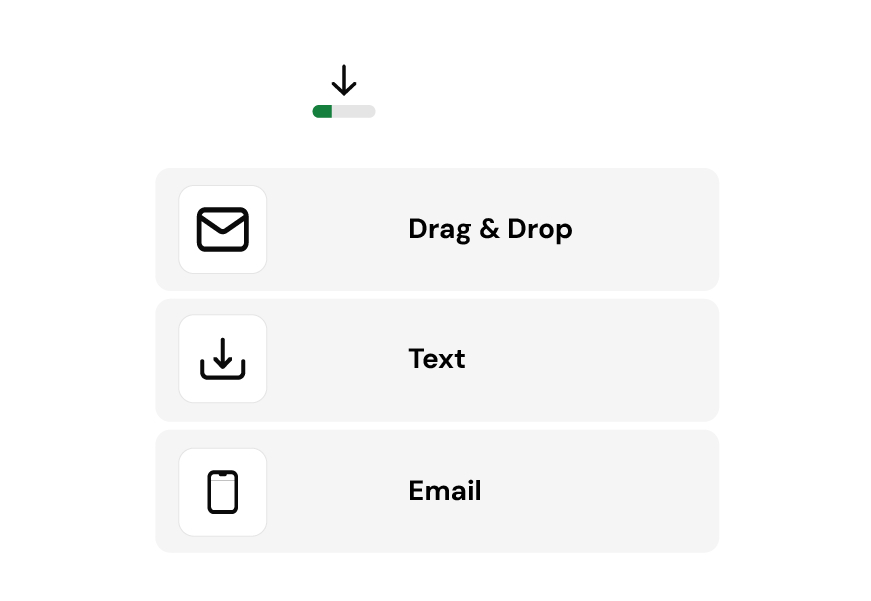
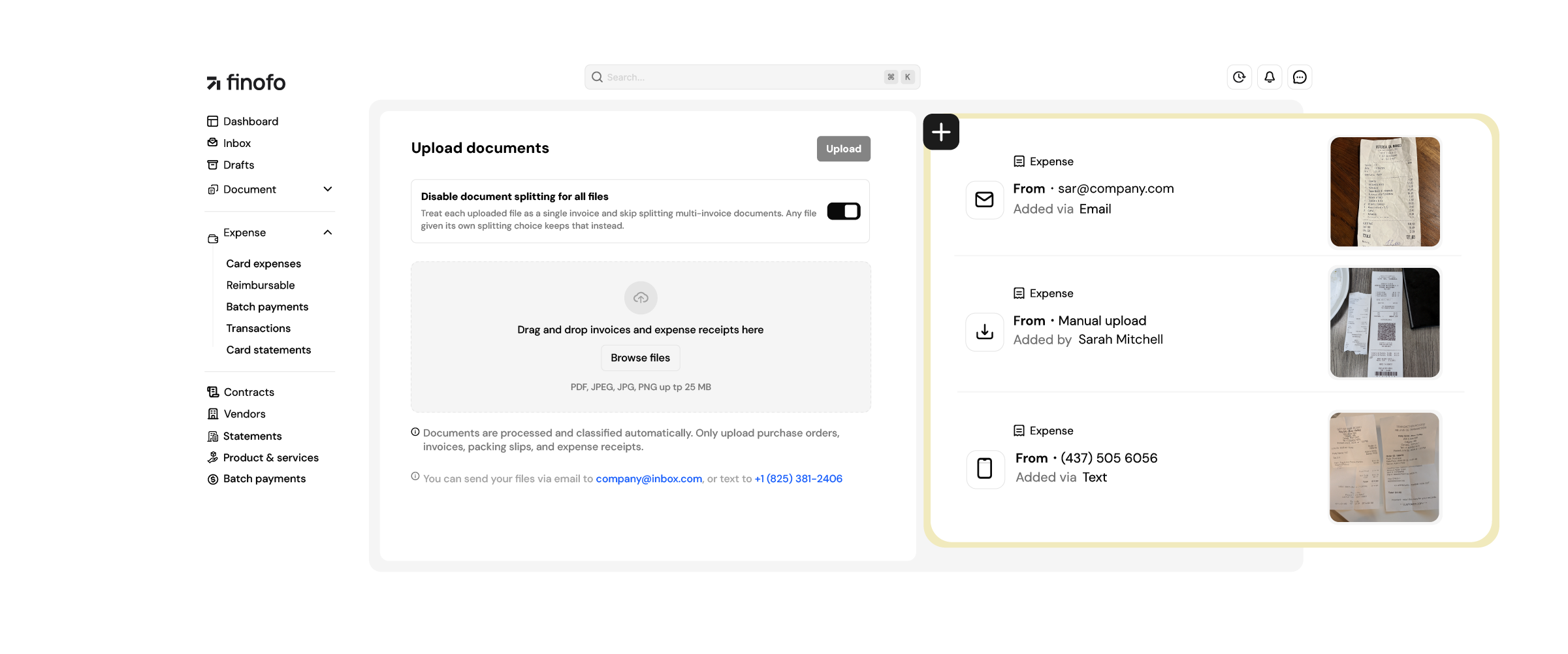
Employees send a receipt by text, email, upload, or mobile. They use whichever path is closest.
Receipts are matched to the card transaction as statement data is pulled from the provider or uploaded by finance.
Merchant, category, project, department, tax, and amount are read from the receipt and prepared for review.
The expense is checked against policy before it reaches an approver.
The finished entry is synced to your
accounting system with the receipt attached.
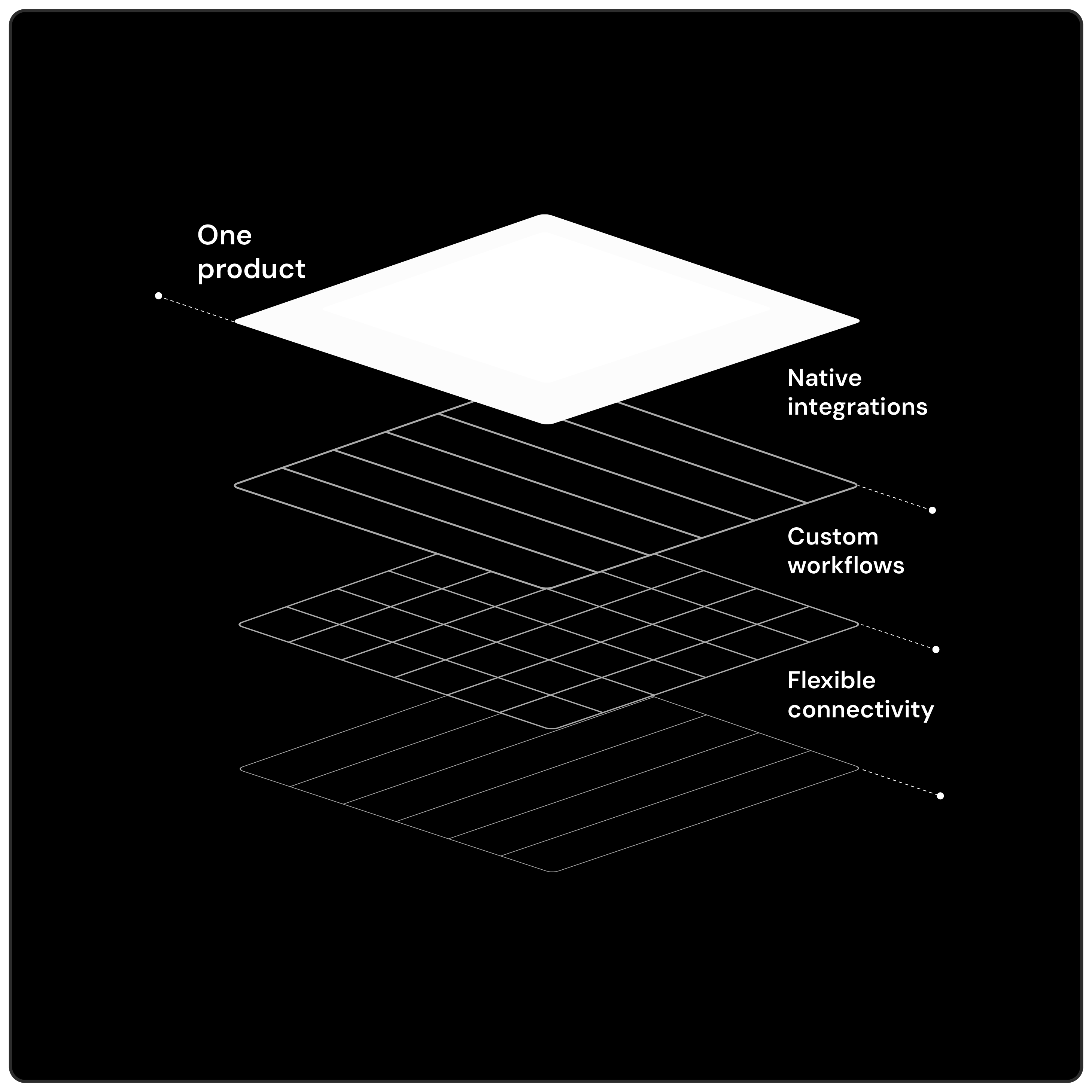
One product. More than one way to connect.
Every finance stack is different. Finofo maps how AP works first, then uses the connection path that fits your system, data model, and workflow.
Pre-built for the systems finance teams already use
Finofo connects with the ERPs and accounting systems common across finance teams, so approved AP work can move downstream without duplicate entry.

Do not see your ERP? Keep reading.
An unlisted ERP should start a conversation, not end one. Finofo can build customer-specific tools around the way your team actually operates.

Send back finished entries
By the time data leaves Finofo, the invoice has been read, coded, matched, approved, and checked against the workflow your team defined.
Built around your workflow, not handed off to consultants
Custom workflow support should not mean a slow consulting project. Finofo scopes the connection path with your team, configures the workflow around how AP actually runs, and keeps product ownership with the same team that supports the deployment.
What changes with Finofo
With rigid AP integrations
With Finofo
With card-first expense tools
With Finofo
Don’t see your ERP?
That should start a conversation.