The best Tipalti alternative for efficient, modern AP

You're paying more and getting less. Tipalti charges you for invoices, accounts, wires, even support — and still only covers AP.
Finofo replaces all of it with one platform, one price, and zero surprises.

Why are finance teams switching from Tipalti?

Because it’s not just software — it’s a fee machine.

Setup fee → Just to get in the door
Platform fee → Even before you pay vendors
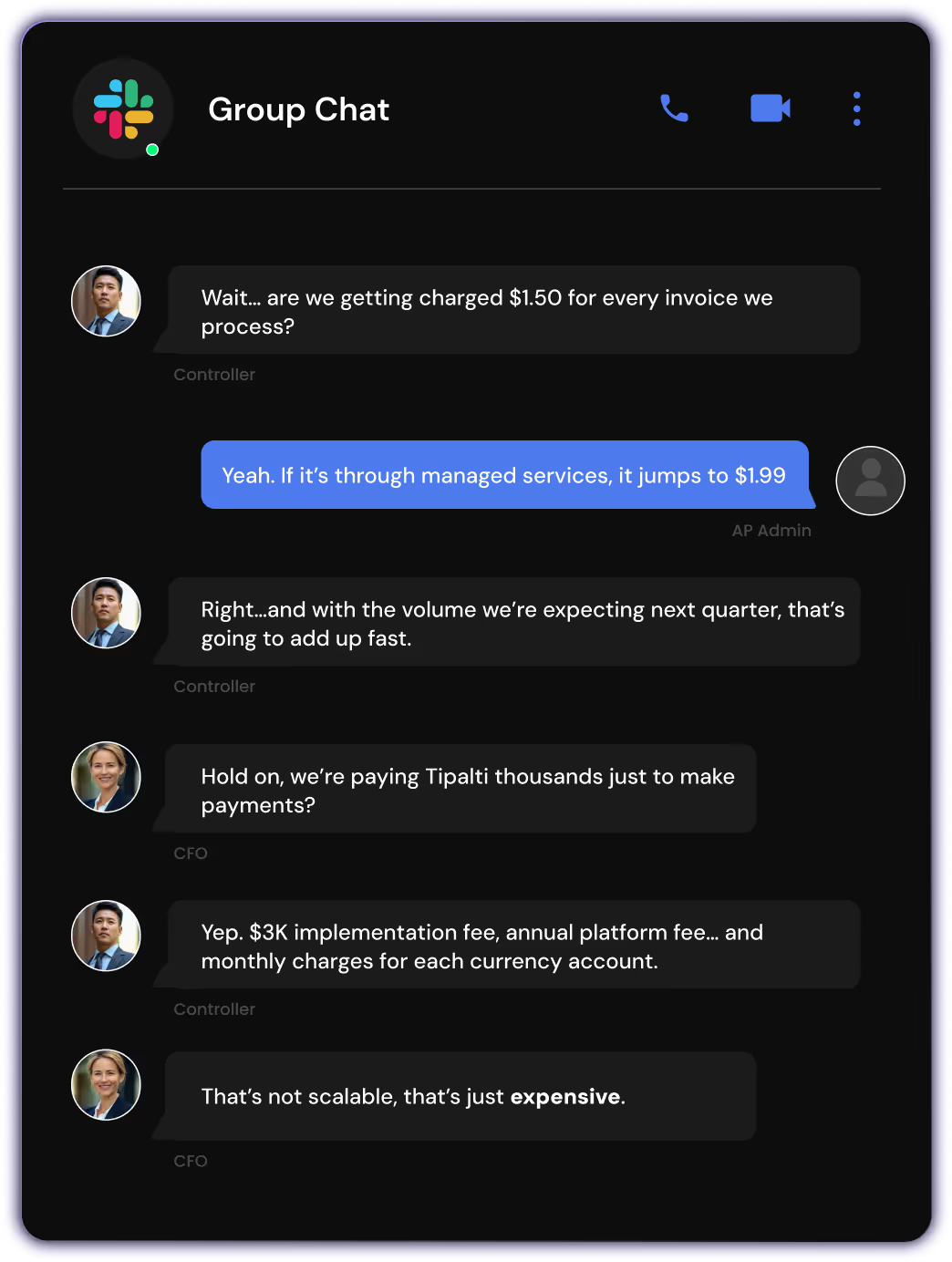
Invoice fee → $1.50 per invoice to use OCR
FX markup → 2.5% on every conversion
Account fee → $400/month for a second currency
Support → $500/hour post-setup

Tipalti is 8x more expensive than Finofo.
Why overpay for half the stack?

Why are finance teams switching from Tipalti?

Because it’s not just software — it’s a fee machine.

Setup fee → Just to get in the door
Platform fee → Even before you pay vendors
Invoice fee → $1.50 per invoice to use OCR
FX markup → 2.5% on every conversion
Account fee → $400/month for a second currency
Support → $500/hour post-setup

That’s not a platform. That’s a profit center — and not for you.
Tipalti is 8x more expensive than Finofo.
Why overpay for half the stack?

What Tipalti still requires and what Finofo eliminates

Features
Finofo
Tipalti
Document capture
Email, WhatsApp, Text, drag‑and‑drop
Email or portal submission only
AI classification
Auto-identifies POs, invoices, GRNs with no setup
Manual rules or structured formats often required
Line-level matching
2-way and 3-way matching with smart tolerance logic
PO-matching available, but limited line-level logic
ERP posting & coding
Automatic posting with AI-assisted GL coding
ERP integrations available; manual mapping often needed
Approvals & collaboration
Real-time comments, mentions, shared timelines
Basic approval chains, no real-time commenting
Global payments
190+ countries, multi-currency named accounts
Global payments supported, but no in-platform treasury
Reconciliation
Automatic after payment
Manual export/import into ERP or accounting software
ERP independence
Runs with or without ERP, flexible setup
ERP required for most automation flows

What Tipalti still requires and what Finofo eliminates

Features
Finofo
Tipalti
Document capture
Email, WhatsApp, Text, drag ‑and‑ drop
Email or portal submission only
AI classification
Auto-identifies POs, invoices, GRNs with no setup
Manual rules or structured formats often required
Line-level matching
2-way and 3-way matching with smart tolerance logic
PO-matching available, but limited line-level logic
ERP posting & coding
Automatic posting with AI-assisted GL coding
ERP integrations available; manual mapping often needed
Approvals & collaboration
Real-time comments, mentions, shared timelines
Basic approval chains, no real-time commenting
Global payments
190+ countries, multi-currency named accounts
Global payments supported, but no in-platform treasury
Reconciliation
Automatic after payment
Manual export/import into ERP or accounting software
ERP independence
Runs with or without ERP, flexible setup
ERP required for most automation flows

When You Should Choose Finofo

  • You need AI to classify POs, invoices, and good receipts instantly, and extract every line with full context.
  • You want intelligent line-level matching with tolerance thresholds and exception visibility.
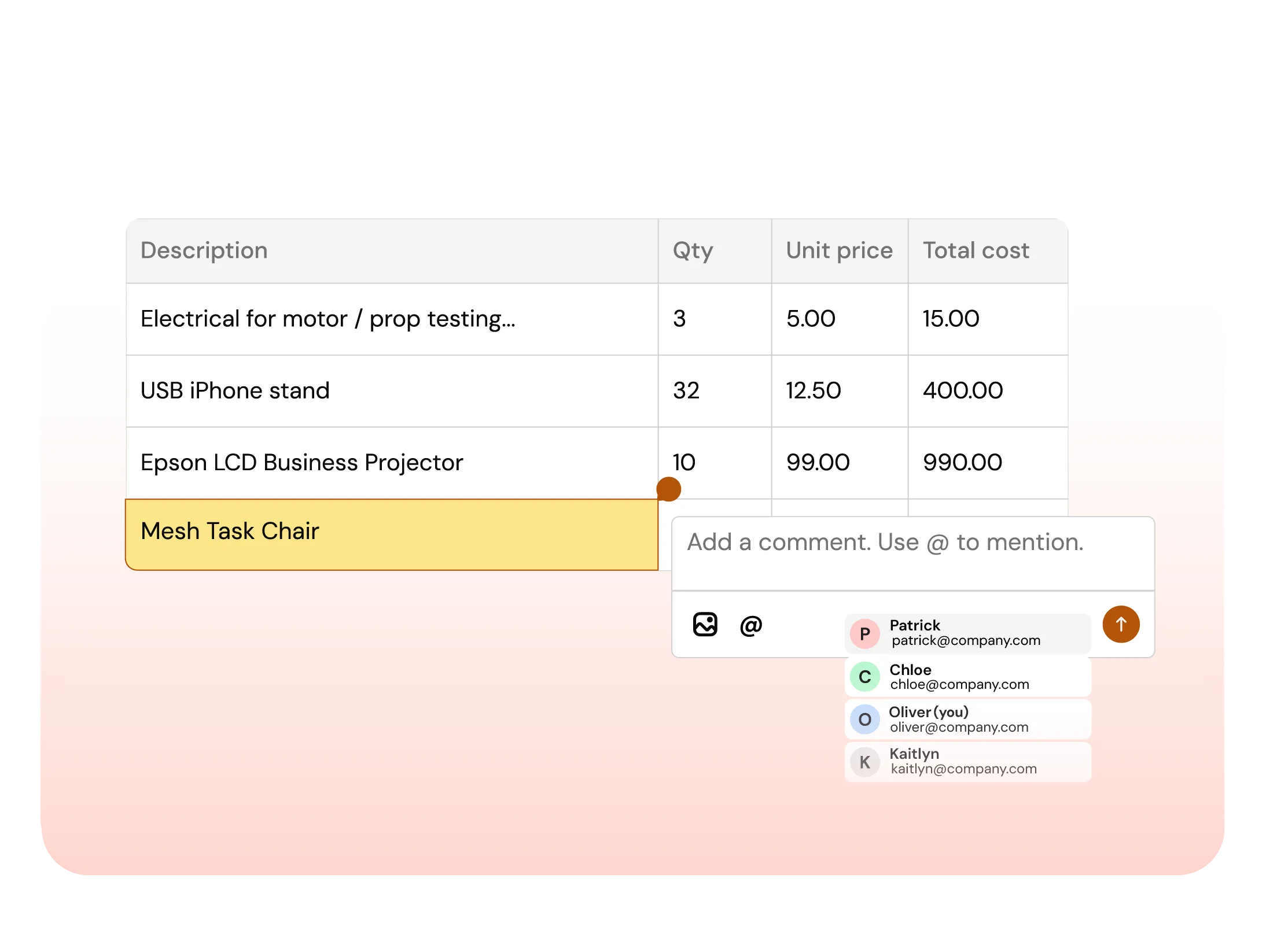
  • You need Google Docs-style collaboration with real-time comments, mentions, and full audit trails, all in one unified view.
  • You want fully coded invoices to post automatically to your ERP, including accurate GL accounts, departments, and cost center tagging.

When Tipalti Might Still Fit

  • Your invoice volume is low and formats are consistent. Manual routing and field mapping still get the job done.
  • You’re okay managing approvals and matching across separate modules and interfaces without full context.
  • You rely on Tipalti primarily for its global supplier onboarding and vendor compliance features.

How Finofo is helping
finance teams

AP Automation

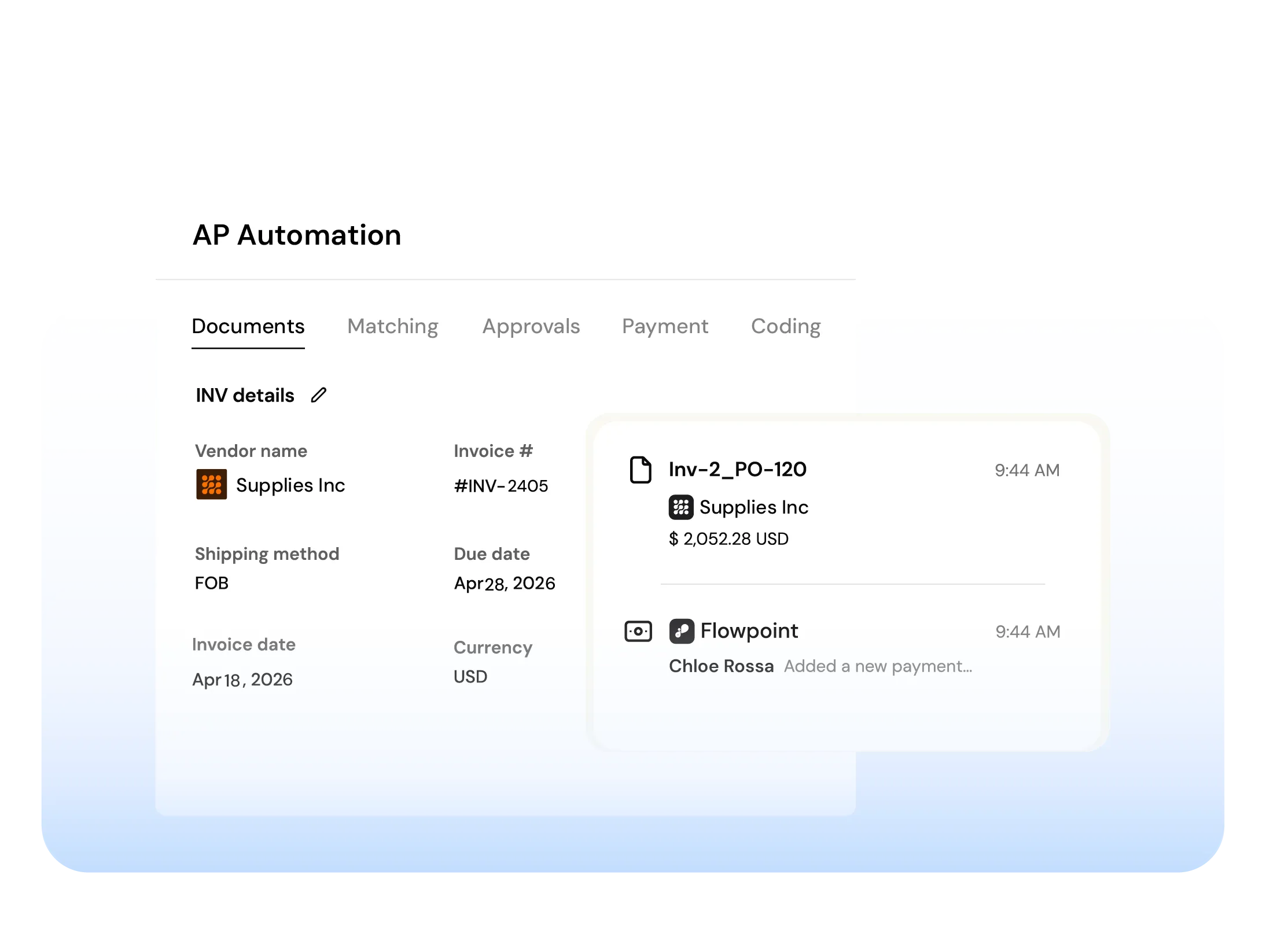
From invoice to payments, match with AI, give approvers full context, and auto-post fully coded invoices to your ERP.

Document Hub

Ingest invoices, POs, and packing slips from email or upload. Centralized, searchable and ready for automation.

AI Powered Matching

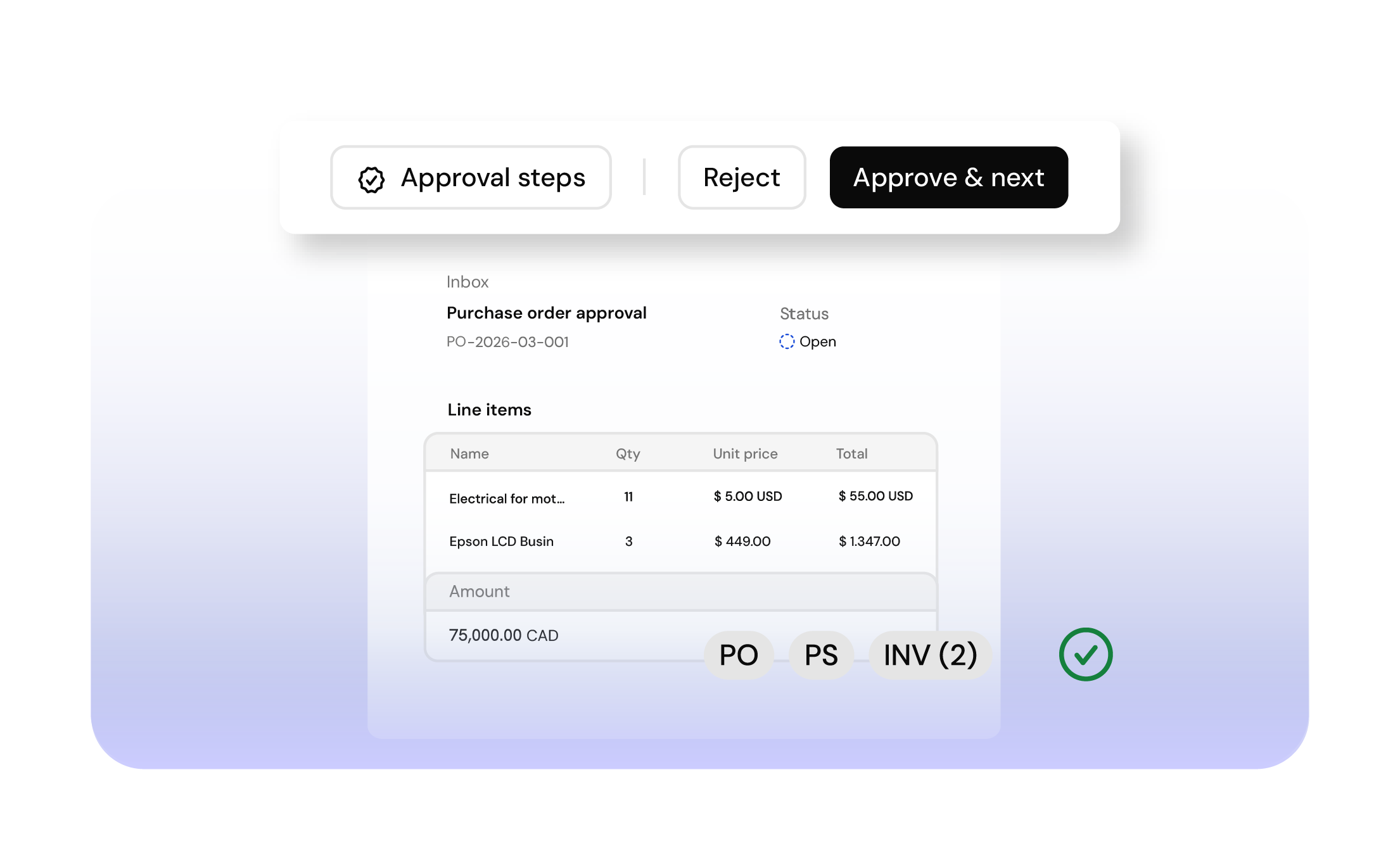
AI matches invoices, POs and GRNs line by line, flags exceptions and blocks overpayments automatically.

Collaboration

Comment, tag teammates, and resolve exceptions directly on invoices and line items. No inbox noise.

Designed with security and compliance at the forefront

We take security seriously. Maintain SOX & COSO compliance with precise audit logs tracking every transaction, everywhere. With fraud detection, MFA, SSO, and enterprise-grade encryption, finance teams stay secure, compliant, and in control.