Finance controls that never break under pressure

From payables to reconciliation, Finofo helps Controllers automate processes, reduce risk, and stay in control — without manual cleanups.
Thank you! Your submission has been received!
Oops! Something went wrong while submitting the form.
Watch a demo

Finance controls that never break under pressure

From payables to reconciliation, Finofo helps Controllers automate processes, reduce risk, and stay in control — without manual cleanups.
Watch a demo
Thank you! Your submission has been received!
Oops! Something went wrong while submitting the form.
Custom workflows

Fully customized approvals

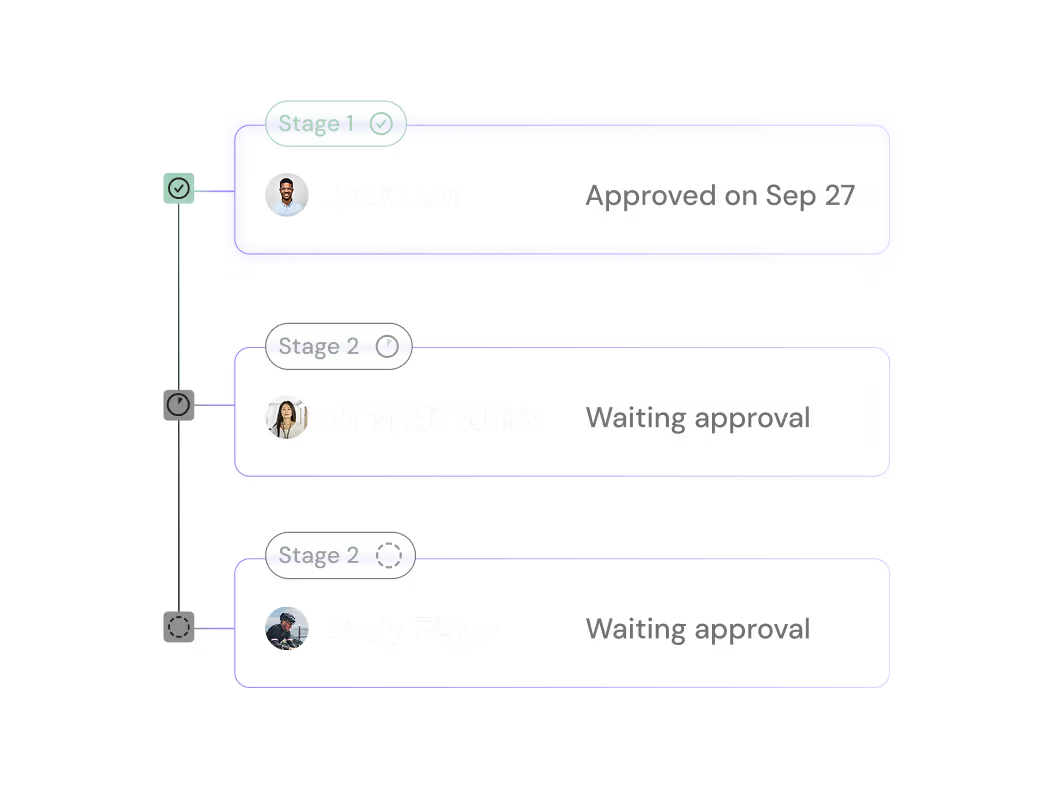
Custom-build workflows as unique as your business. Create approval flows for adding beneficiaries, bill payments, currency conversions, and transfers—in minutes.

Bring in invoices your way

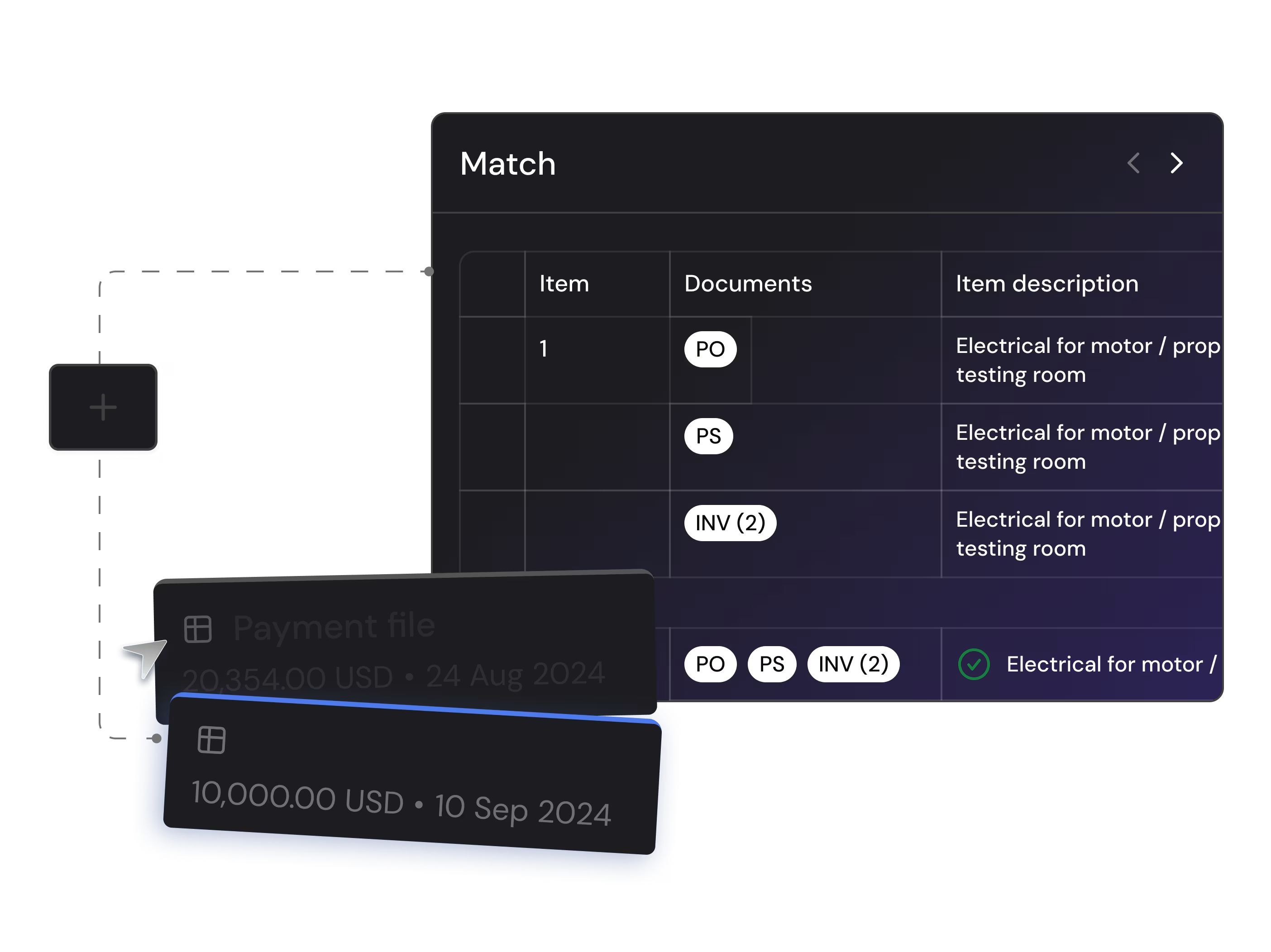
Manually enter bills, upload payment files, or connect your ERP to pull them in automatically.

One platform

All your bills in one place

Bring every unpaid bill into one place. Immediately sync with preferred ERPs for one-click bill imports, or use OCR technology and dynamic CSV tools for error-free bulk uploads.

Automate multi-level approvals

Every transaction is routed based on your policy rules — triggered only when needed, and always to the right people. No delays. No chasing. Just built-in control.

Large-batch payments

Batch, approve, pay, done

Create large batch payments, route approvals to assigned stakeholders, and execute hundreds of multi-currency payments with one click.

Pay in bulk across currencies

Send hundreds of domestic or international payments in a few clicks — without wire fees or copy-pasting.

Enterprise-grade security

Protect every transaction

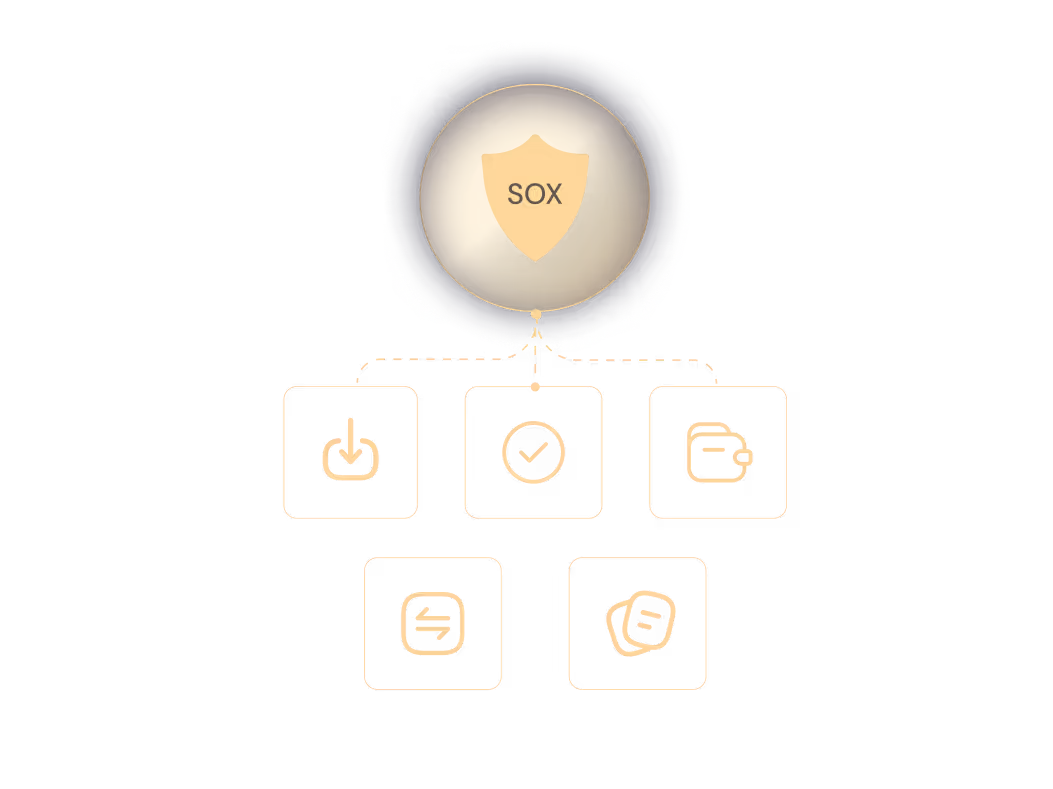
Reduce human error with automated, role-based workflows. Maintain SOX & COSO compliance with precise audit logs tracking every transaction, everywhere.

Sync every transaction back to your ERP

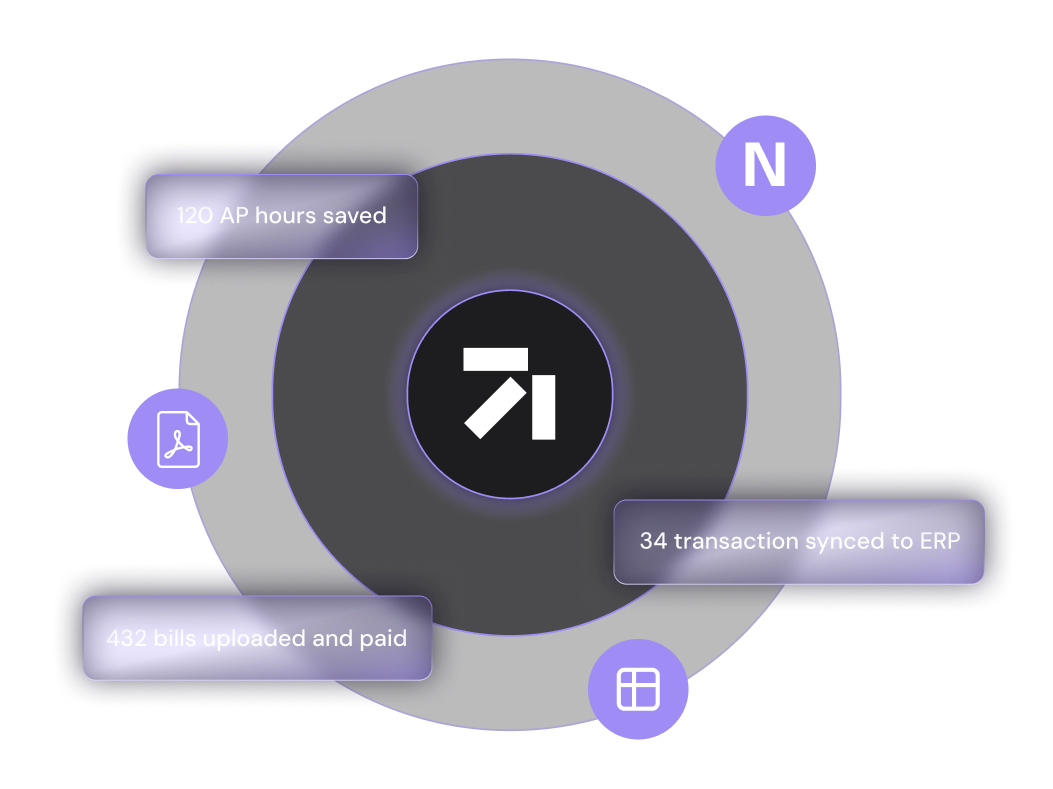
Reconciliation happens instantly — with no double entry, no missing records, and no manual follow-ups. Everything stays accurate and audit-ready, right where it should be.

Large-batch payments

Batch, approve, pay, done

Create large batch payments, route approvals to assigned stakeholders, and execute hundreds of multi-currency payments with one click.

Manage multiple entities with ease

Switch between subsidiaries in one click, track payables by entity, and apply distinct approval workflows where needed.

Enterprise-grade security

Protect every transaction

Reduce human error with automated, role-based workflows. Maintain SOX & COSO compliance with precise audit logs tracking every transaction, everywhere.

Stay audit-ready and compliant

Every step is logged, timestamped, and fully traceable for audit and compliance reporting.

Less manual work. More control. Cleaner closes.

Automation where it counts: payables, approvals, reconciliation, and reporting — all done right the first time.

Close the books up to 50% faster
Get full traceability, from bill to book
Sync transactions instantly with your ERP
Export audit-ready records in one click

Real stories. Real results. See what our customers are saying

“As a cross-border organization, we’ve always juggled multiple accounts at a variety of institutions, which was painful and frustrating to keep track of. Switching to Finofo was incredibly easy with the support from their team and easy-to-use dashboard. We have already been able to cut down on our bank accounts, while still moving funds the way we need. We look forward to growing with the Finofo team.”

Allison Hall

COO at Truss Payments

“We chose to transition to Finofo for its seamless vendor payment process particularly for international transactions. Since then, we’ve also utilized Finofo’s currency conversion and charge card features. The onboarding experience was smooth, the platform is exceptionally user-friendly, and we have no regrets making the switch. We look forward to continuing to use Finofo for our payment needs.”

Andrea Burton

Director of Finance at Delphia

“Finofo has given us a better option for making international payments to vendors in the USA and China. Prior to Finofo, we were stuck paying international payments with visa credit cards that charged unfavorable exchange fees. We’ve utilized the platform to reduce the amount of exchange fees paid, AND negotiate better terms with vendors because we’re paying through SWIFT. This has reduced our international purchasing costs by about 2%”

Tyler Sieben

Co-Founder at Evalence Renewables

“The transition to Finofo was seamless and efficient. The support team was incredibly responsive and helpful, ensuring that our migration process was smooth and without any disruptions to our operations. The user-friendly interface and robust features have significantly enhanced our productivity. Highly recommend Finofo to any business looking for a reliable and efficient financial solution.”

Mark Evans

GM SHAC Solutions Inc.

Built for precision. Trusted by controllers

Approval workflows that follow policy — every time

Set custom routing rules based on amount, entity, or vendor type. Role-based permissions ensure only the right people approve the right payments.

Batch uploads, your way
Upload PDFs, images, or CSVs in bulk and process them easily. Finofo reads and maps every file without you switching tools.
ERP reconciliation that’s instant and accurate
Transactions sync automatically with your ERP, so there’s no double entry or end-of-month spreadsheet patchwork.

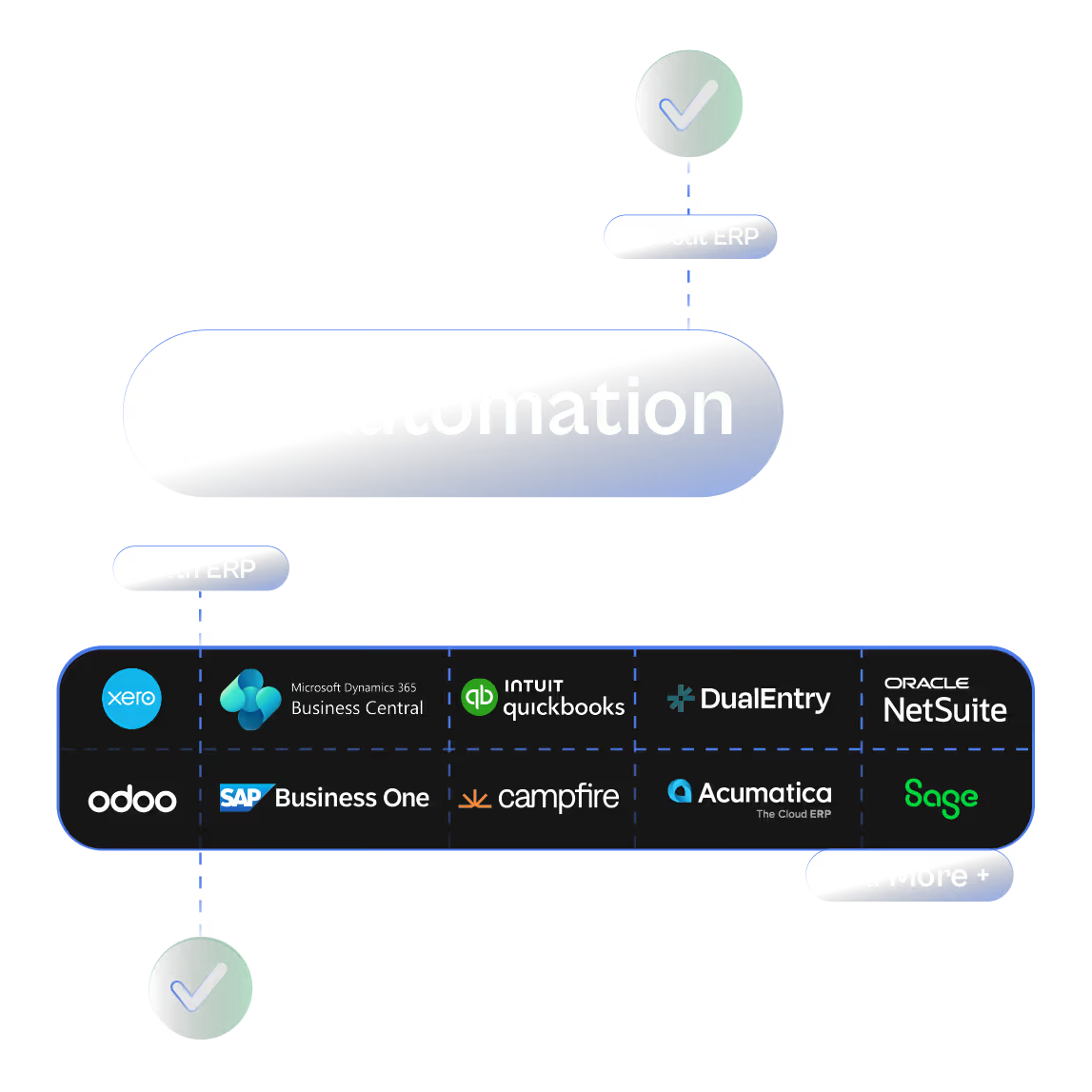
ERP Optional. AP Automation That Works Either Way.

Finofo works whether you’re running NetSuite, Intacct, or a spreadsheet.
Most AP systems stall until your ERP sends a PO or goods receipt.
Finofo doesn’t wait. It captures, classifies, and matches documents the moment they arrive so your team can move faster without breaking your existing stack.

Here’s what you get out of the box:
Real-time document capture from email, chat, or drag and drop

AI that understands messy or incomplete invoices and POs

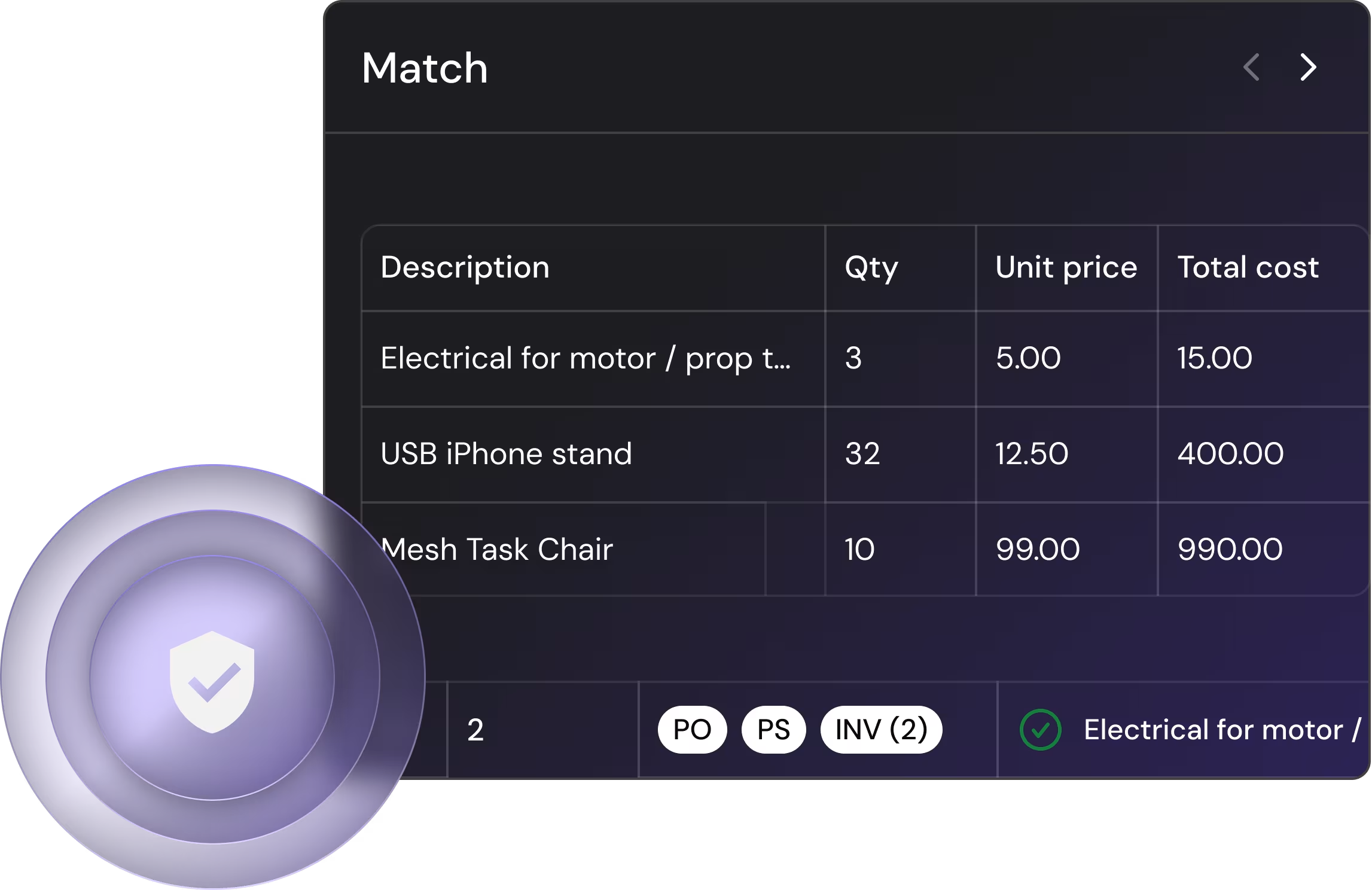
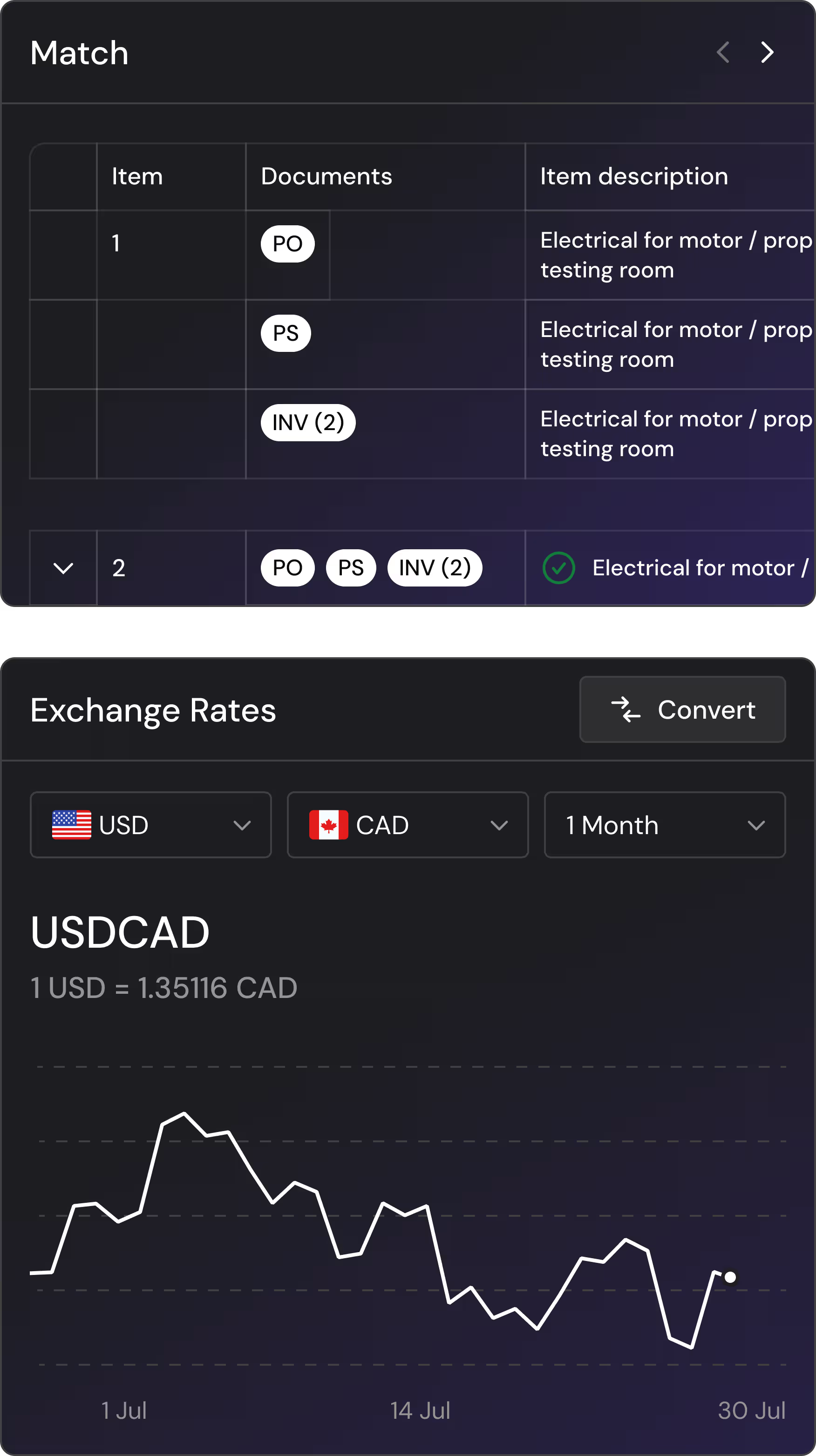
Line-level 3-way matching without touching your WMS or inventory module

Instant setup with no field-mapping or IT delays

Clean, coded invoices automatically posted back to your ERP when ready

No ERP bottlenecks.
No manual lag. No missing context.
Just fast, flexible AP automation that works anywhere you do.

Explore Integrations

Designed with security and compliance at the forefront

We take security seriously. Maintain SOX & COSO compliance with precise audit logs tracking every transaction, everywhere. With fraud detection, MFA, SSO, and enterprise-grade encryption, finance teams stay secure, compliant, and in control.

Finofo FAQs - everything you need to know

Do I need to connect my ERP to start using Finofo?
Ecommerce Webflow Template -  Poppins
No. Finofo works with or without an ERP. You can ingest documents, match, approve, pay, and reconcile right out of the box. When you’re ready, you can integrate your ERP and post clean, coded invoices in one click.
How does Finofo handle POs and receipts if they’re not in my ERP?
Ecommerce Webflow Template -  Poppins
Finofo doesn’t depend on your ERP for source documents. It ingests POs, invoices, packing slips, and GRNs from email, text, drag & drop, and matches them at the line level using AI, not sync schedules.
Does Finofo support 2-way and 3-way matching?
Ecommerce Webflow Template -  Poppins
Yes. Instantly and accurately. Finofo runs instant, AI-powered 2-way and 3-way matching. The AI builds a document set even if there are multiple Invoices and GRNs under one PO. It aggregates line item level info for 2-way and 3-way matching. Line items are matched by SKU, quantity, UoM, and price. Exceptions are flagged smartly respecting your vendor-specific tolerance policies.
Can I process AP documents without templates or manual tagging?
Ecommerce Webflow Template -  Poppins
Yes. Finofo’s AI identifies and classifies documents automatically—invoice, PO, or GRN—then extracts every field and line item with 99% accuracy. No templates, no rules, no manual tagging needed.
Can Finofo manage Non-PO invoices?
Ecommerce Webflow Template -  Poppins
Yes. You can create and approve Non-PO invoices directly inside Finofo, just like regular invoices, with full coding and audit history.
Does Finofo support invoice approval workflows?
Ecommerce Webflow Template -  Poppins
Yes. Build approval policies with multi-level routing, role-based rules, and group logic—no IT setup required.
How does Finofo integrate with my existing processes?
Ecommerce Webflow Template -  Poppins
Finofo plugs into your email, shared drives, and ERP. You can start lightweight and deepen integrations later.
How fast can I get started?
Ecommerce Webflow Template -  Poppins
You can go live in hours. There’s no field mapping, no complex configurations, and no IT setup needed. Just connect your inbox or upload documents and let Finofo do the rest.
Does Finofo support line-level coding and segmentation?
Ecommerce Webflow Template -  Poppins
Yes. Finofo’s AI auto-codes every invoice line with the correct GL account, department, location, cost center, and subsidiary. You get ERP-ready data without manual work or spreadsheet clean-up.
What happens if there are mismatches or missing documents?
Ecommerce Webflow Template -  Poppins
Finofo flags only the exceptions that exceed your set tolerance thresholds. You’ll see a clear, line-level summary with context so you can resolve confidently or close out with one click.
Can I bulk-approve and pay multiple invoices at once?
Ecommerce Webflow Template -  Poppins
Yes. You can group invoices, apply your approval workflows in bulk, and execute payments across vendors in a single click. Finofo handle
Who can set up approval policies?
Ecommerce Webflow Template -  Poppins
Admins and owners on Finofo can set up approval policies for payments, currency conversions, deposits and transfers. Define rules, assign approver groups, and let the system handle the rest. Once set, approvals follow an automated workflow with no manual follow-ups required.
Are approvals automated? Will approvers get requests automatically?
Ecommerce Webflow Template -  Poppins
Absolutely. The moment a transaction needs approval, the assigned approvers get notified instantly. They can review, approve, or decline requests with full visibility into timestamps, notes, and approval history. No delays, no guesswork—just a smooth, automated process.
How many approval levels, or approvers groups can I create? Are the approver groups customisable?
Ecommerce Webflow Template -  Poppins
As many as you need. Whether it’s a simple one-step approval or a multi-level workflow, Finofo adapts to your policies. Need CFO approval for high-value transactions? Want department heads to sign off first? Set it once, and let Finofo enforce it every time.
How will approvals work with bulk payments?
Ecommerce Webflow Template -  Poppins
Exactly like single transactions—but better. When you submit a batch for payment, Finofo automatically applies your approval policies to the entire batch. The full batch goes through the approval process, ensuring the right stakeholders review and sign off before execution.
Does the conversion really work 24x7 all year round?
Ecommerce Webflow Template -  Poppins
Yes. You can convert funds between your accounts anytime—24/7, all year round. With support for 25+ currencies, you have complete flexibility to move funds whenever it suits your business.
Are there really NO fees for currency conversions from Finofo?
Ecommerce Webflow Template -  Poppins
That’s right. There are no fees when converting funds between your currency accounts on Finofo. Move money freely without hidden charges or unexpected costs.
How can I manage multiple entities under the same corporate umbrella?
Ecommerce Webflow Template -  Poppins
Finofo makes it easy to onboard all your entities under one unified platform. Manage global finance operations across multiple businesses with a single login—no need to juggle multiple accounts or platforms.
We have businesses across North America and send intercompany transfers often. How can we manage our treasury with Finofo?
Ecommerce Webflow Template -  Poppins
With Finofo, you can manage all your entities in one place and move funds across them in real time. Transfer money in any currency, anytime, without wire fees or transfer fees. Every intercompany transfer happens instantly, saving you time and money while keeping cash flow optimized.
Where can I set up local accounts for customer payments?
Ecommerce Webflow Template -  Poppins
Finofo provides local accounts in a wide range of countries and currencies, ready to use as soon as you sign up. There’s no need to set up a local entity - just share your local account details with your customers and receive payments as if you were based in their country.
How can we receive funds from international customers?
Ecommerce Webflow Template -  Poppins
Open a local account in the currency you want to receive payments in. Share the account details with your customers, and they can send funds directly - no forced conversions, no unnecessary delays. Hold the funds in your account as long as you need before making payments or transfers.
Are there no incoming fees?
Ecommerce Webflow Template -  Poppins
That’s right—Finofo does not charge incoming fees for receiving payments in supported currencies.
How do I transfer and withdraw funds from Finofo?
Ecommerce Webflow Template -  Poppins
Transferring or withdrawing funds is simple. Set up the external accounts you want to send funds to, move money when needed, and even apply approval policies for added security.
Can my team comment directly on invoices and documents?
Ecommerce Webflow Template -  Poppins
Yes. With Finofo, you can comment directly on any invoice, PO, line item, or exception - right where the work happens. No more forwarding PDFs or chasing context across email threads. Experience Google Doc like comment experience in your AP software.
Can I tag teammates or approvers in comments?
Ecommerce Webflow Template -  Poppins
Absolutely. Use @mentions to loop in the right people instantly. Approvers, reviewers, or teammates will get notified and can respond in real time keeping everything moving.
Is there an audit trail for collaboration and approvals?
Ecommerce Webflow Template -  Poppins
Yes. Every comment, edit, approval, and decision is logged in a shared timeline. You always know who did what, when, and why with full visibility across the team.
How is this better than using email or Slack for approvals?
Ecommerce Webflow Template -  Poppins
Finofo keeps comments, approvals, and context attached to the document, not lost in inboxes or scattered across tools. You get faster answers, fewer delays, audit preparation, and zero confusion.
How does Finofo's pricing work?
Ecommerce Webflow Template -  Poppins
Finofo keeps pricing predictable. Customize a plan that fits your stage, your workflow, your scale and only pay for what you use.
Choose the features that matter – AP automation, global accounts, treasury or international payments and scale by invoice volume, number of users or entities.
Can I use only one part of the platform, like just currency conversion or banking?
Ecommerce Webflow Template -  Poppins
Yes. Finofo is modular, you can start with just global accounts, FX, or payments. You can always add AP automation or other modules later.
Do suppliers or vendors need to create an account?
Ecommerce Webflow Template -  Poppins
No, your suppliers or vendors aren't required to create an account with Finofo. You can seamlessly send payments directly to their existing bank accounts.
Are there hidden fees for using Finofo?
Ecommerce Webflow Template -  Poppins
Absolutely not. We don't charge hidden fees, maintenance fees, or any other surprise costs. Our pricing model is clear, transparent, and easy to understand.
Does Finofo offer non-profit pricing, startup discounts, or special rates?
Ecommerce Webflow Template -  Poppins
Yes, we’re always open to supporting good causes and promising startups. Tell us more about your organization and how you plan to use our platform, and we’ll explore special pricing or tailored solutions to best support your goals.