Finofo vs AvidXchange: When Your AP Vendor Becomes Your Gatekeeper

AvidXchange locks vendors into its network, delays approvals, and charges for the privilege. Finofo doesn’t stand between you and your suppliers; it gets out of the way and accelerates everything.

Why this comparison matters

AvidXchange controls the process but slows it down.
Finofo hands control back to you.

No vendor enrollment walls.
No extra network fees.
Ingest any document via email,  text, or drag-and-drop.
Match POs, GRNs, and invoices at the line level with AI.
Post to your ERP automatically - fully coded.
Pay globally from multi-currency accounts, and reconcile instantly.

AvidXchange handles AP workflows.
Finofo runs your finance stack like a system, not a service

Why this comparison matters

AvidXchange controls the process but slows it down. Finofo hands control back to you.

No vendor enrollment walls.
No extra network fees.
Ingest any document via email, text, or drag-and-drop.
Match POs, GRNs, and invoices at the line level with AI.
Post to your ERP automatically - fully coded.
Pay globally from multi-currency accounts, and reconcile instantly.


AvidXchange handles AP workflows. Finofo runs your finance stack like a system, not a service.

What AvidXchange controls and where Finofo sets you free

Features
Finofo
AvidXchange
Vendor access
No sign-up required. Pay any supplier, anywhere
Vendors must enroll in Avid’s network. Delays + added friction
Global payments
Send to 190+ countries. Named accounts in 15+ currencies
International support exists, but lacks flexibility.
Document ingestion
Ingest via email, WhatsApp, text, or drag-and-drop. AI assisted classification.
Upload/email. OCR used, but routing/indexing issues reported.
Matching & exceptions
Full 2-/3-way matching. Line-level accuracy.
Matching supported, but users report frequent misroutes.
ERP sync
Automatic posting with AI-coded GLs, cost centers, departments.
ERP integration is available, but setup and mapping require effort.
Collaboration & workflows
Comment, tag, resolve - all on the document. Real-time audit trail.
Workflow automation exists, but collaboration context is weak.
Reconciliation
Automatic. Match payment to invoice instantly.
Payment handling is manual or through partner modules.

What AvidXchange controls and where Finofo sets you free

Features
Finofo
AvidXchange
Vendor access
No sign-up required. Pay any supplier, anywhere.
Vendors must enroll in Avid’s network. Delays + added friction.
Global payments
Send to 190+ countries. Named accounts in 15+ currencies.
International support exists, but lacks flexibility.
Document ingestion
Ingest via email, WhatsApp, text, or drag-and-drop. AI assisted classification.
Upload
/email.
OCR
used, but routing/
indexing issues reported.
Matching & exceptions
Full 2-/3-way matching. Line-level accuracy.
Matching supported, but users report frequent misroutes.
ERP sync
Automatic posting with AI-coded GLs, cost centers, departments.
ERP integration is available, but setup and mapping require effort.
Collaboration & workflows
Comment, tag, resolve - all on the document. Real-time audit trail.
Workflow automation exists, but collaboration context is weak.
Reconciliation
Automatic. Match payment to invoice instantly.
Payment handling is manual or through partner modules.

When You Should Choose Finofo

  • You want invoices automatically classified and extracted as soon as they arrive, even messy ones.
  • You need AI-powered matching at the line level, not header-based rules.
  • You expect comments, tags, and shared visibility across finance and operations on every approval.
  • You want your team to see every document, match, and exception before posting. No guesswork.
  • You value clean ERP posting with AI-assisted coding for GLs, cost centers, and departments.

When AvidXchange Might Still Fit

  • Your invoice volume is low and formats are consistent. Manual routing and field mapping still get the job done.
  • You don’t need line-level matching, GL coding, or instant ERP sync. Posting manually or batching works for now.
  • You’re fine managing approvals through fixed workflows without real-time collaboration, tagging, or shared audit trails.

How Finofo is helping
finance teams

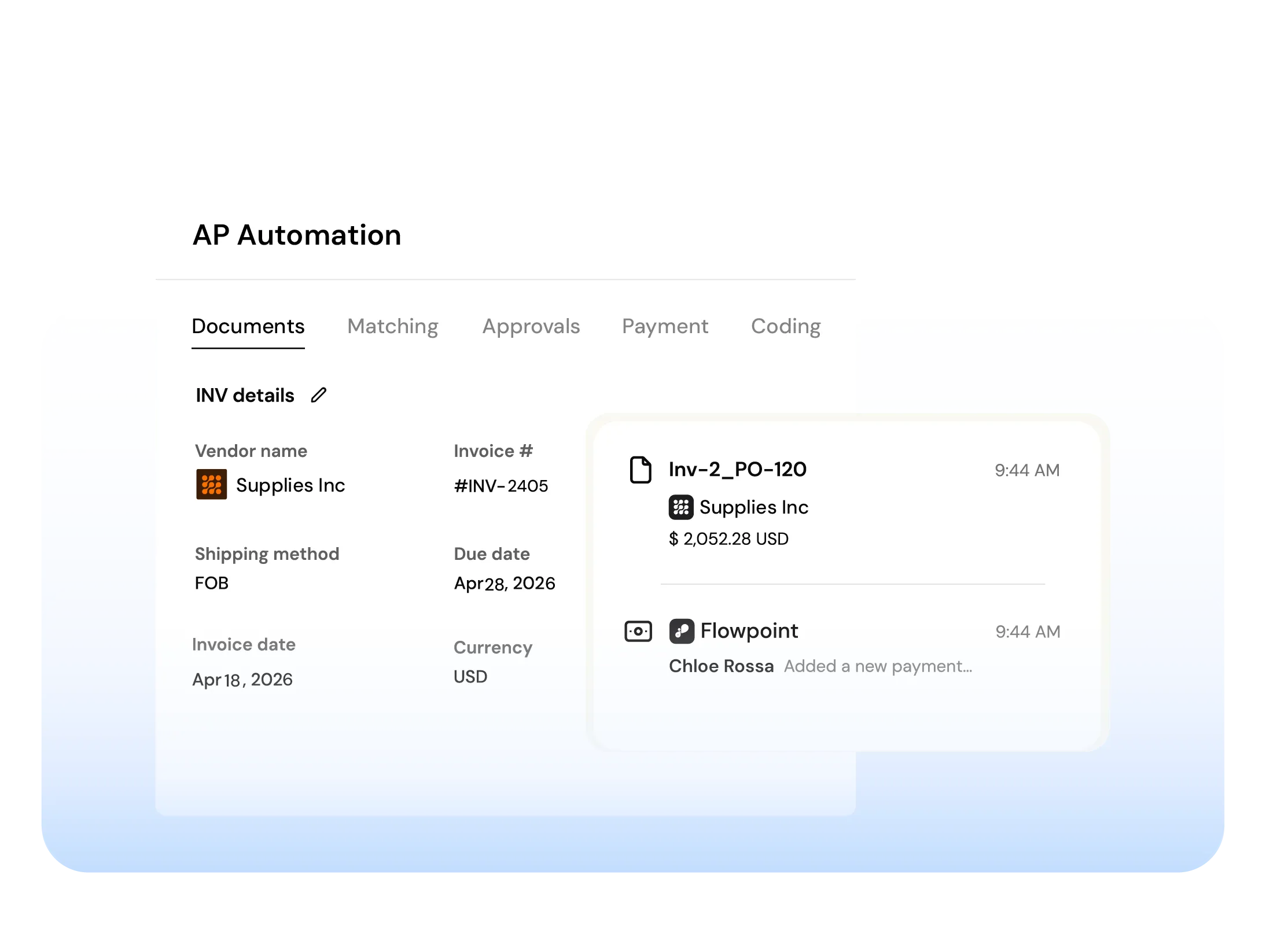
AP Automation

From invoice to payments, match with AI, give approvers full context, and auto-post fully coded invoices to your ERP.

Document Hub

Ingest invoices, POs, and packing slips from email or upload. Centralized, searchable and ready for automation.

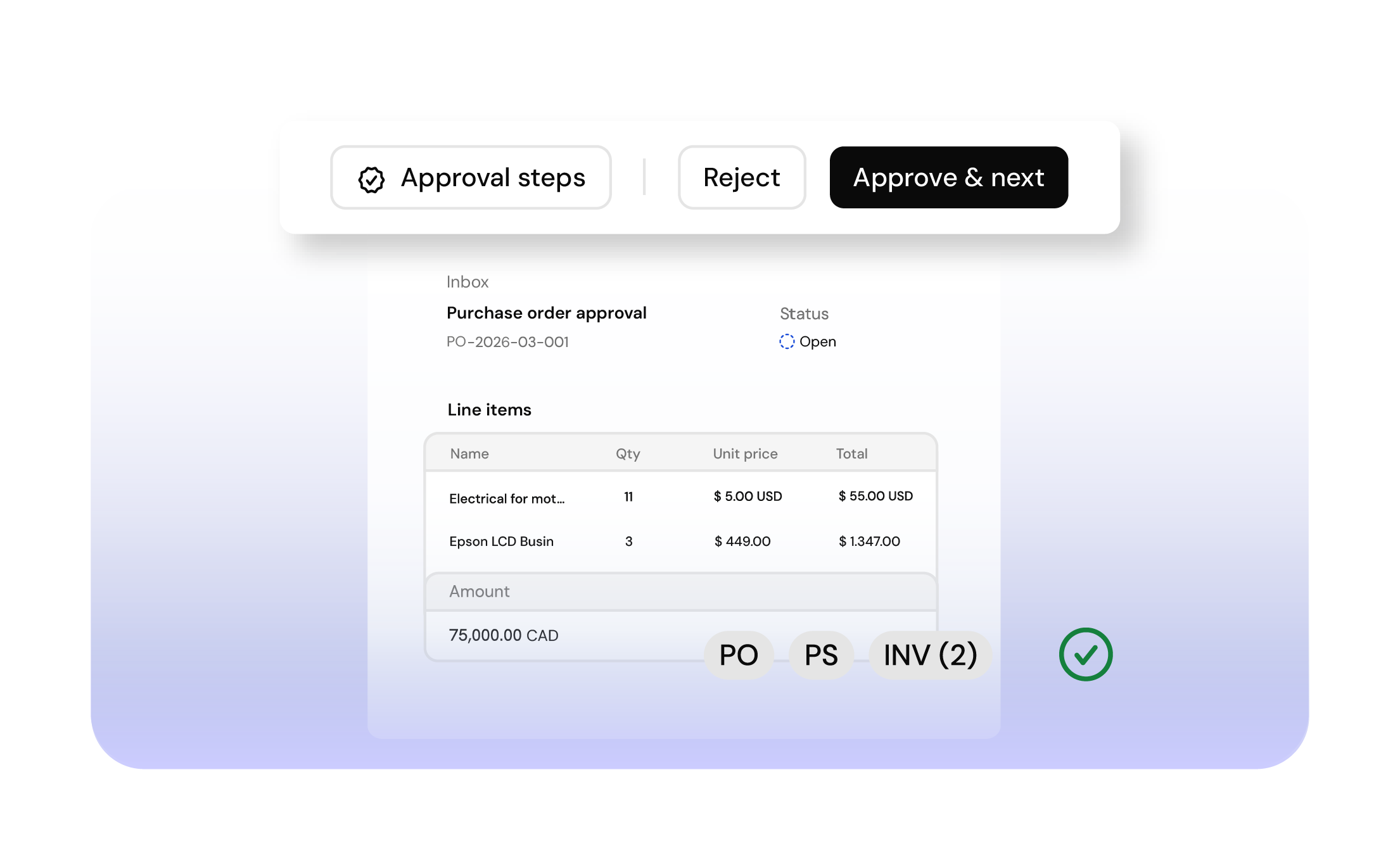
AI Powered Matching

AI matches invoices, POs and GRNs line by line, flags exceptions and blocks overpayments automatically.

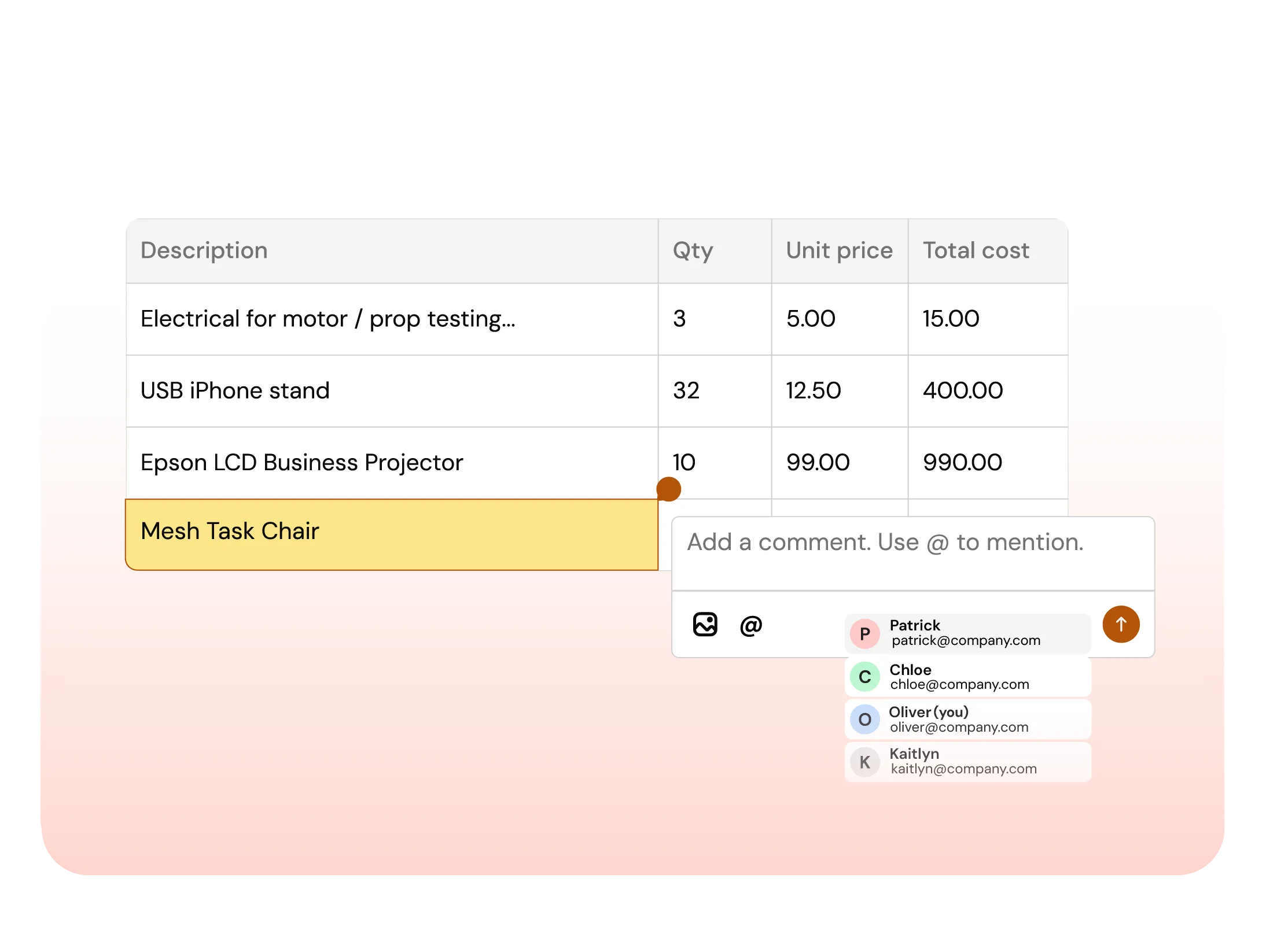
Collaboration

Comment, tag teammates, and resolve exceptions directly on invoices and line items. No inbox noise.