Vendor statements often include invoices that were already paid, credited, or partially settled. Finofo helps AP verify each claim against internal invoice and payment history before chasing the wrong balance.
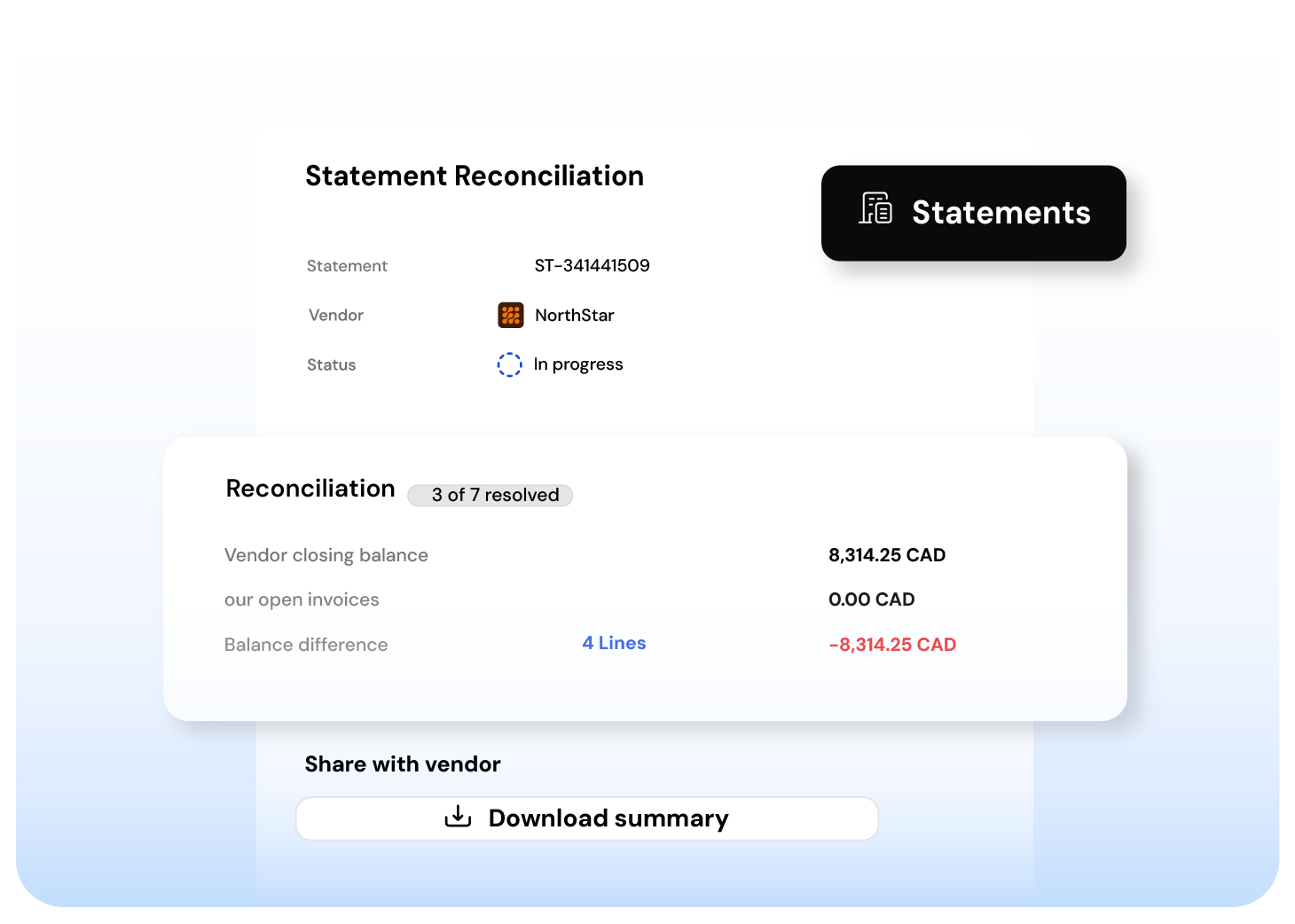
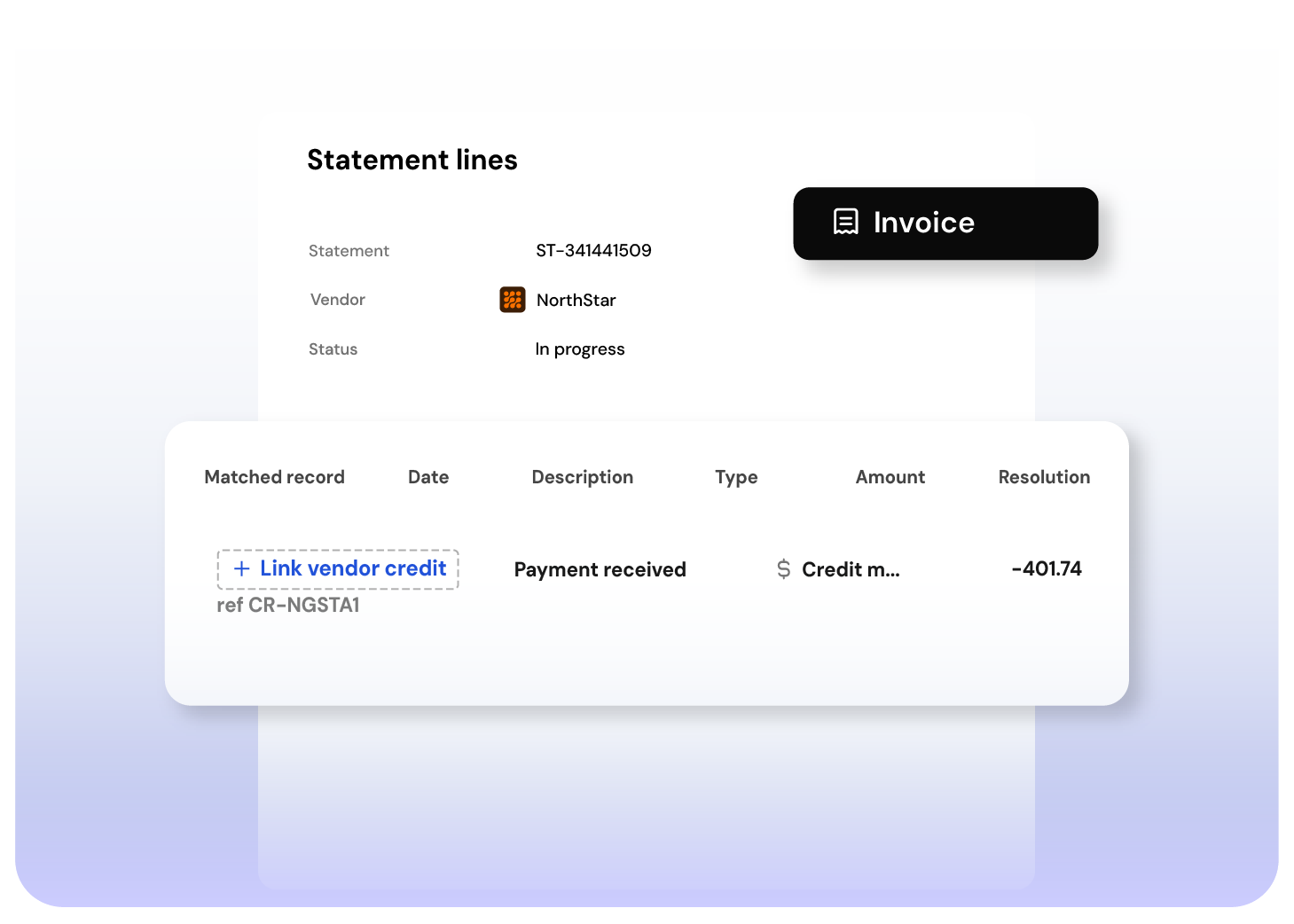
When an invoice does not tie out cleanly, AP needs the full picture: invoice total, successful payments, applied credits, and remaining balance in one place.
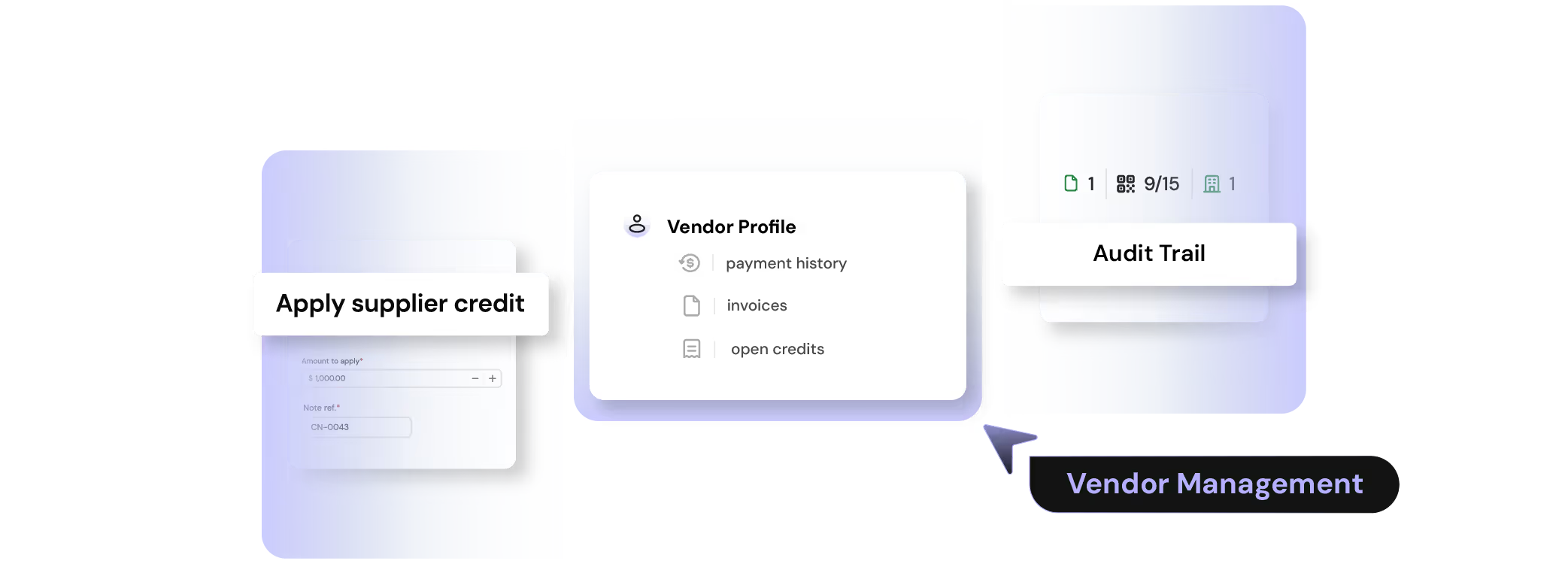
When a supplier issues a credit, users pay less than the invoice amount. Without a clean way to apply the credit, the invoice stays open even though the balance has been settled.
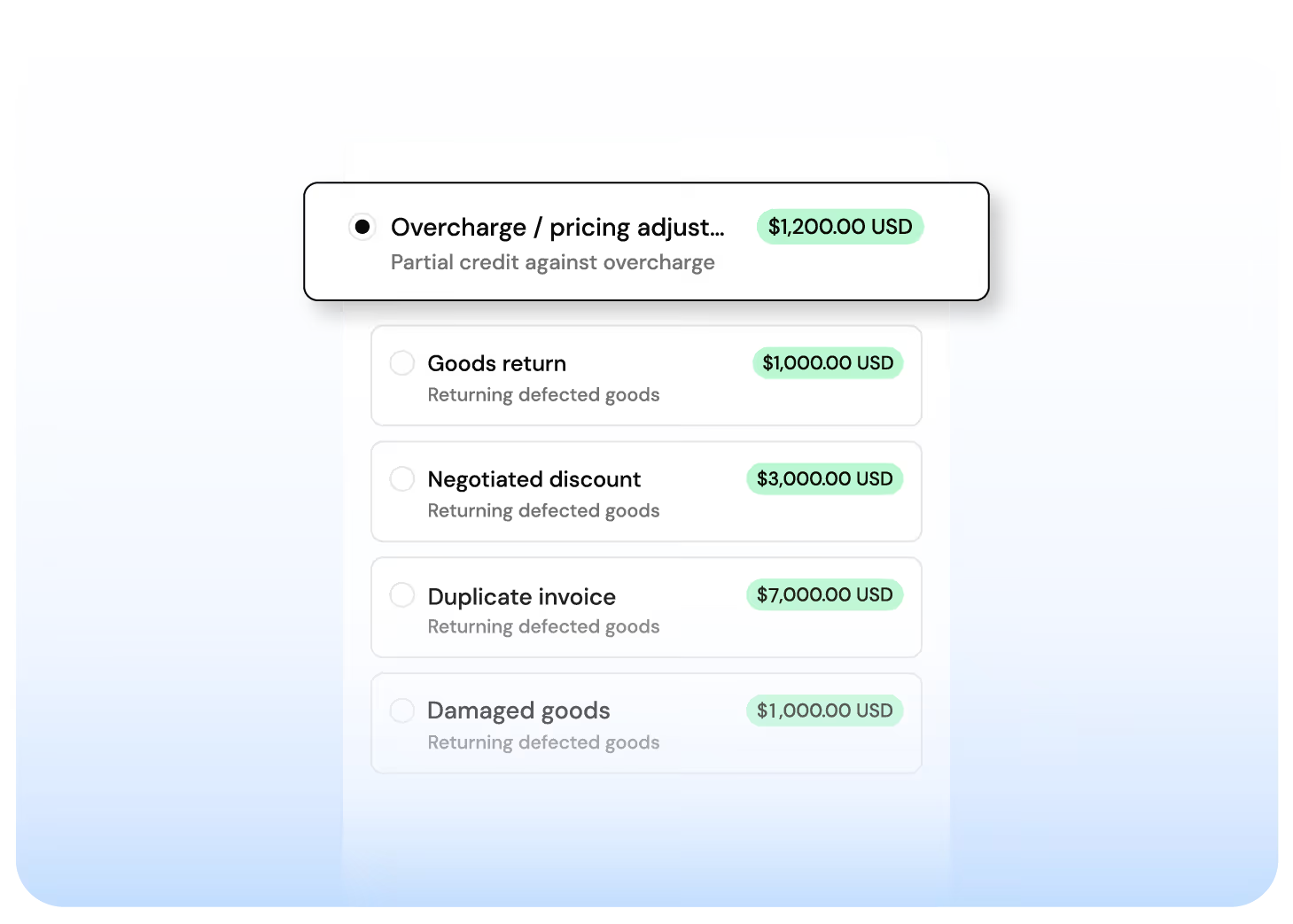
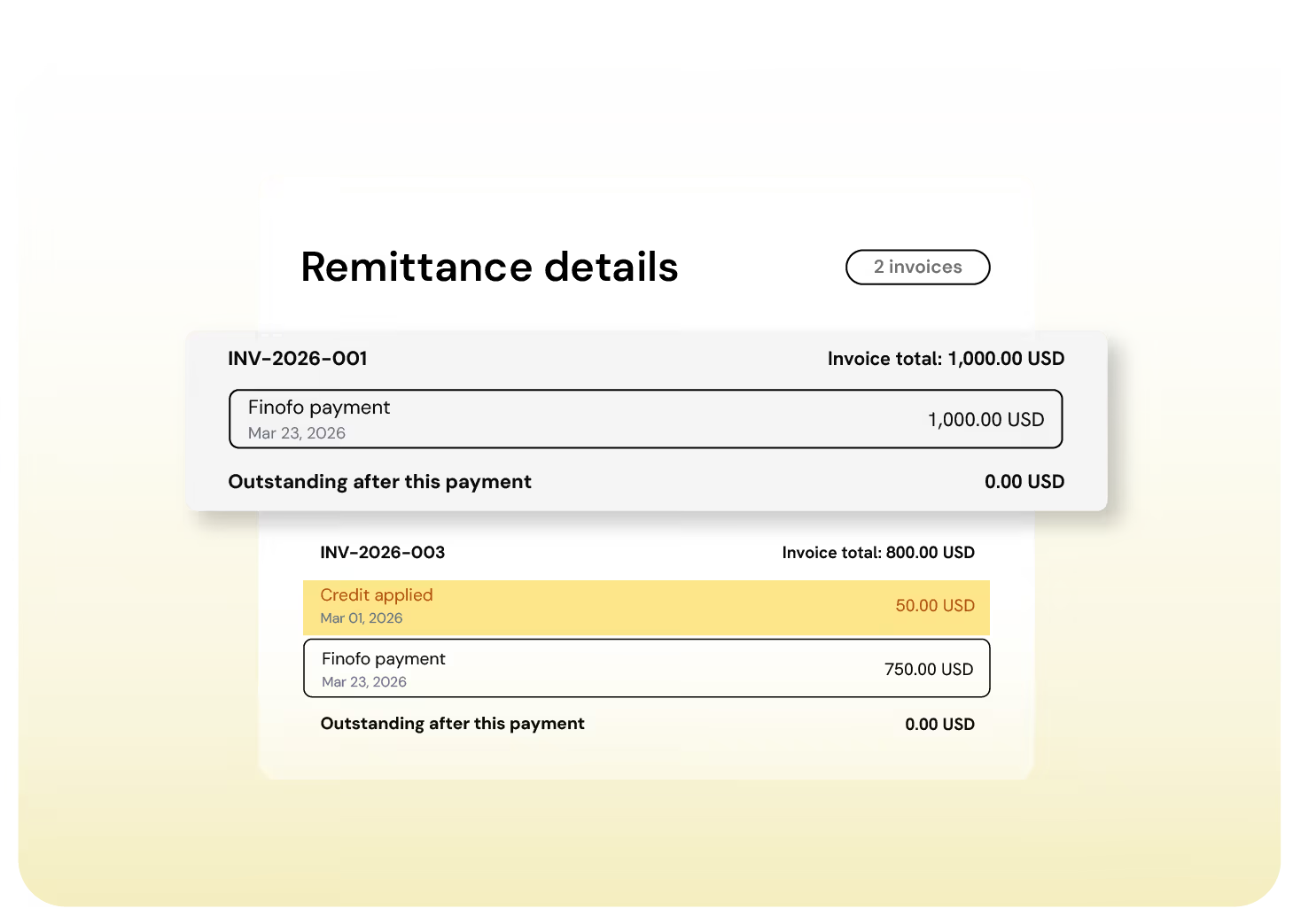
Short payments create confusion when suppliers only see the amount paid. A statement-style remittance shows prior payments, applied credits, this payment, and the balance after payment.
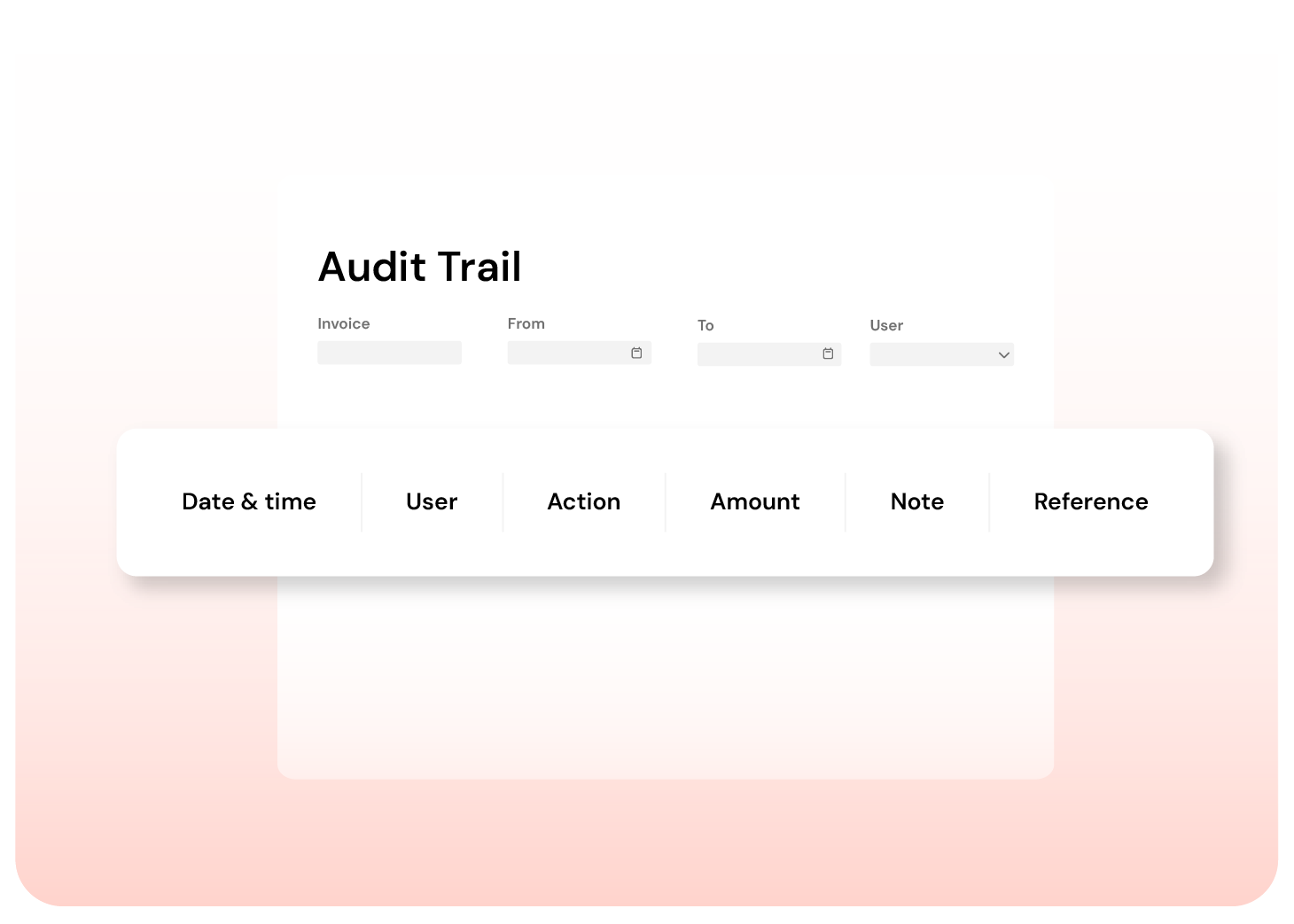
Credits can be applied and removed, but not without a record. The history stays attached to the invoice, including who made the change, when it happened, the amount, and the reference.
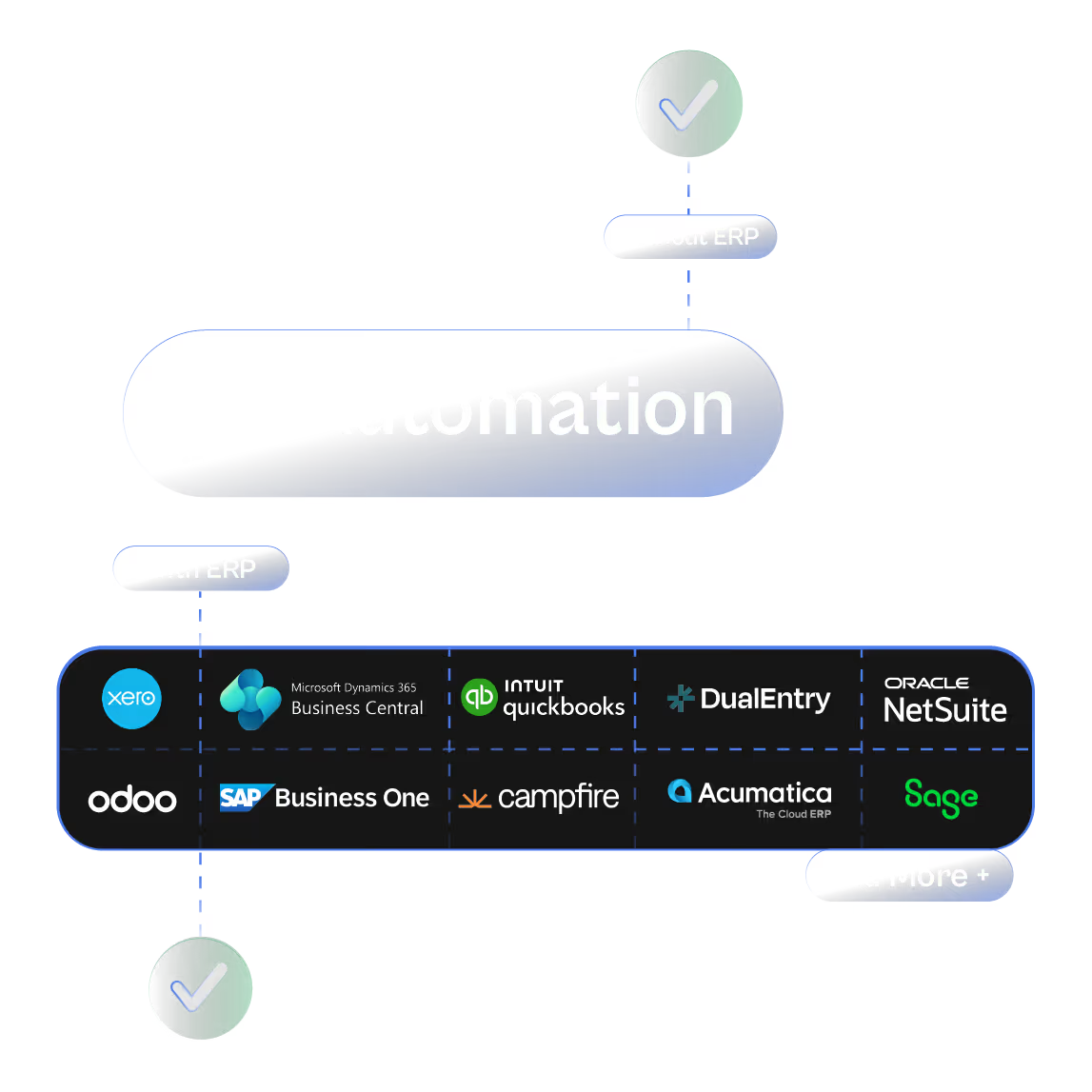
Finofo works whether you’re running NetSuite, Intacct,
or a spreadsheet.
Most AP systems stall until your ERP sends a PO or goods receipt.
Finofo doesn’t wait. It captures, classifies, and matches documents the moment they arrive so your team can move faster without breaking your existing stack.
Here’s what you get out of the box:

Real-time document capture from email, chat, or drag and drop

AI that understands messy or incomplete invoices and POs

Line-level 3-way matching without touching your WMS or inventory module

Instant setup to go live the same day
Clean, coded invoices automatically posted back to your ERP when ready
Every invoice into one AP inbox, from anywhere. Read line by line, coded, checked, and posted to your ERP.
Card expenses and claims in one queue, on the corporate cards you already have. Receipts matched, statements reconciled.
Approve purchases before the commitment. Invoices matched to POs and GRNs line by line, exceptions flagged automatically.




