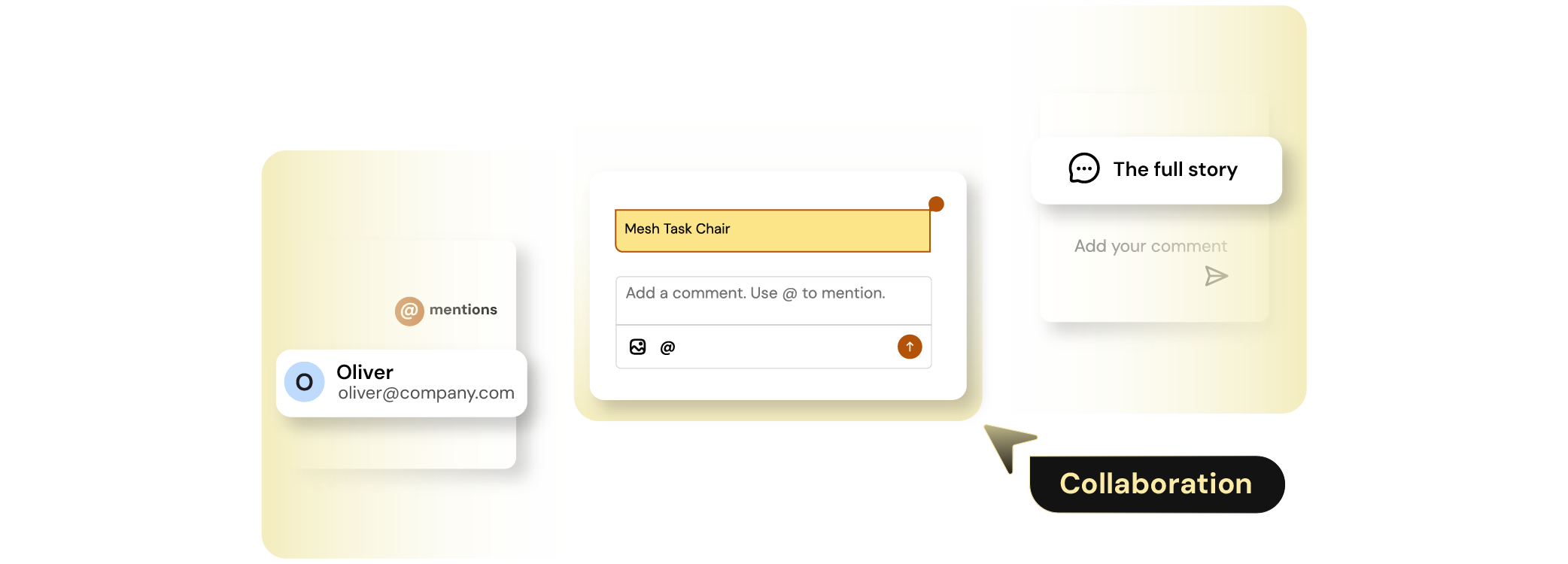
Finofo lets users comment directly on invoices, POs, line items, match exceptions, coding fields, and approval decisions. The conversation stays tied to the document, so the next person sees the full context without asking AP to explain it again.
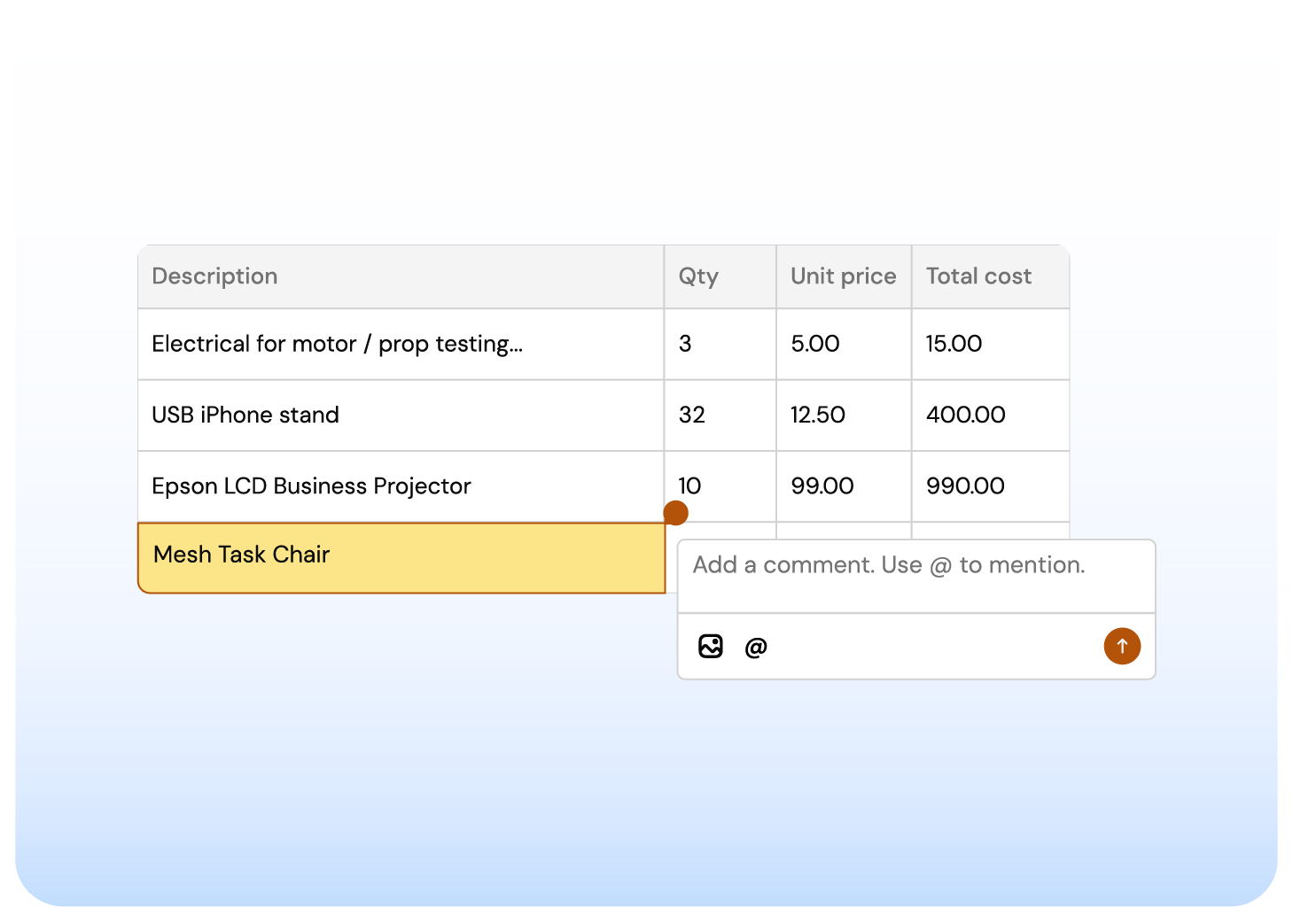
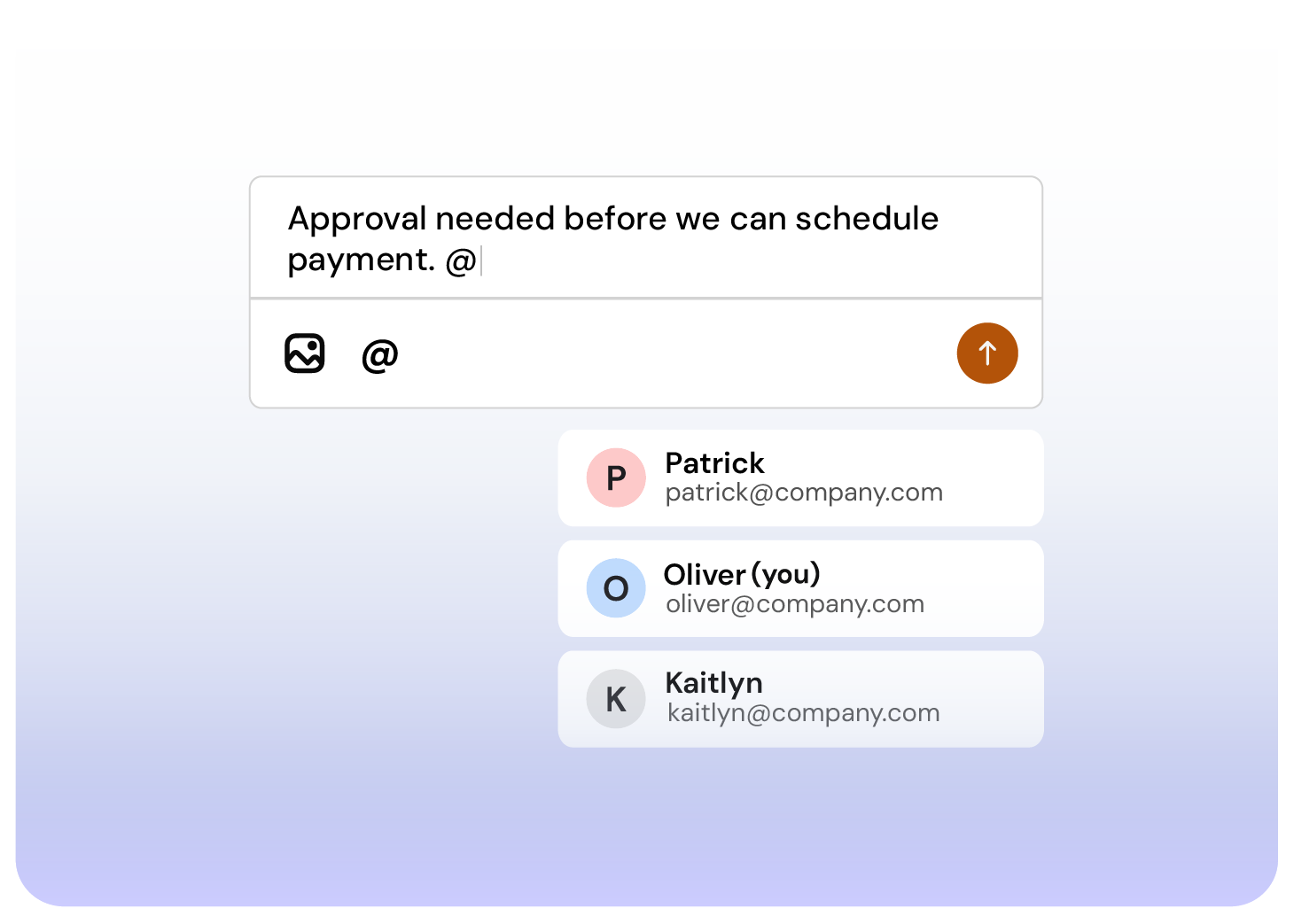
With @mentions, users can tag approvers, project owners, department leads, or finance teammates directly inside the document. The mention creates a task in that person’s personalized inbox, while the comment, context, and control stay attached to the invoice.
The right person knows what they need to do. AP does not have to chase through email or move the issue outside Finofo.
Finofo shows the invoice, supporting documents, match status, coding, comments, and approval history together. Approvers can see what AP checked, what changed, and what still needs attention before approving or sending back.
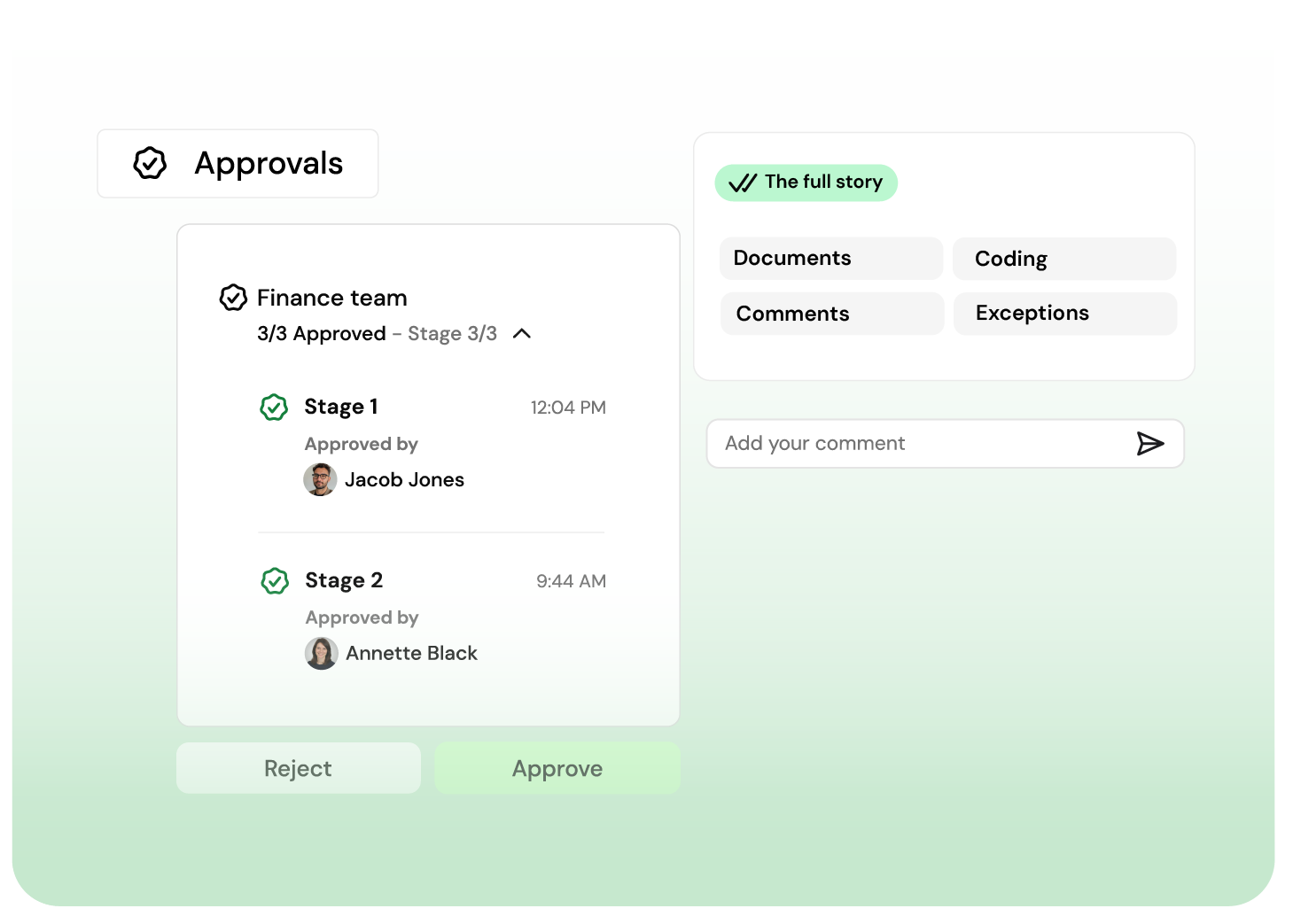
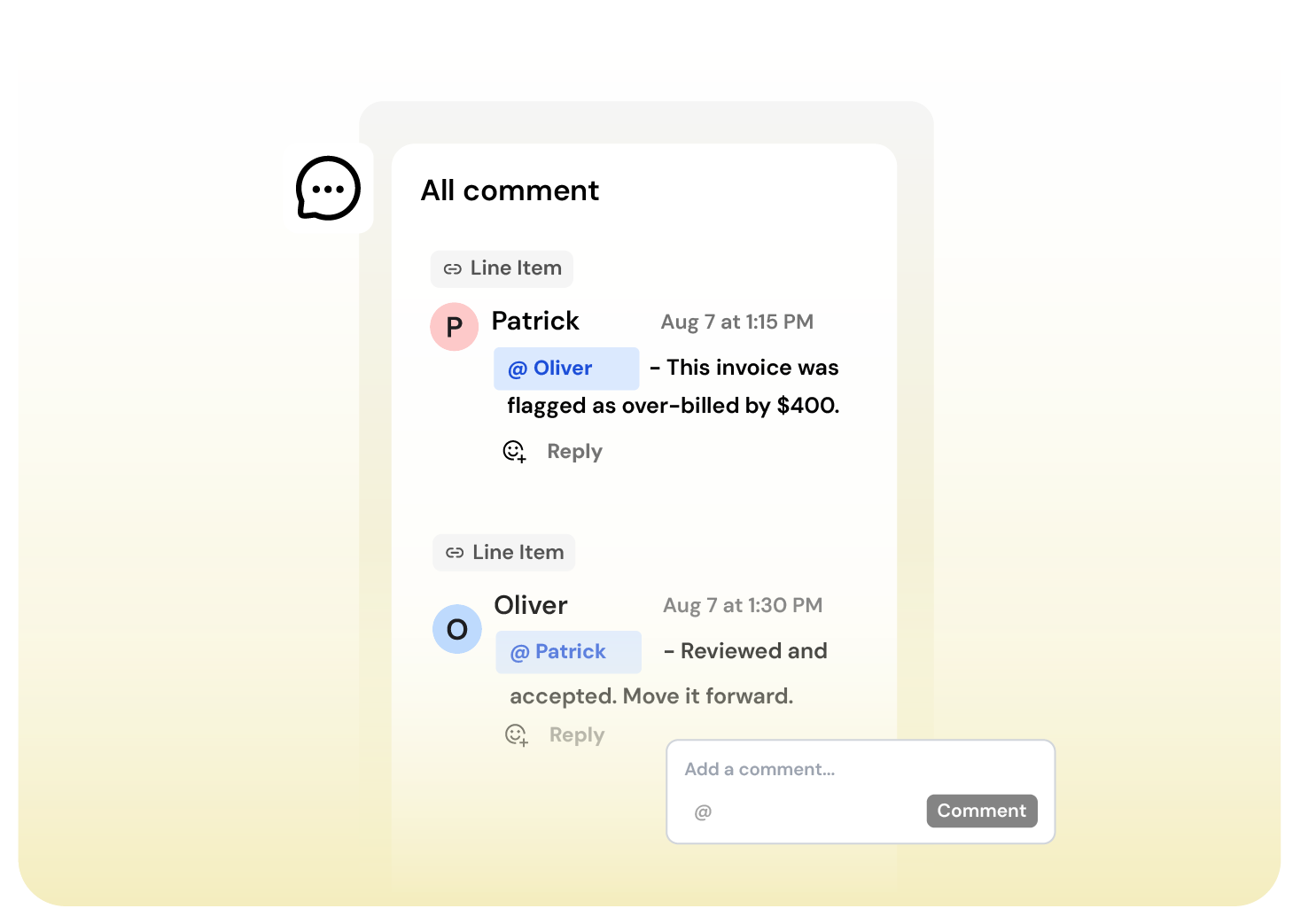
When a PO price does not match, a packing slip is missing, or coding needs review, Finofo gives the team one place to resolve it. The issue, the discussion, the decision, and the final approval all stay on the same record.
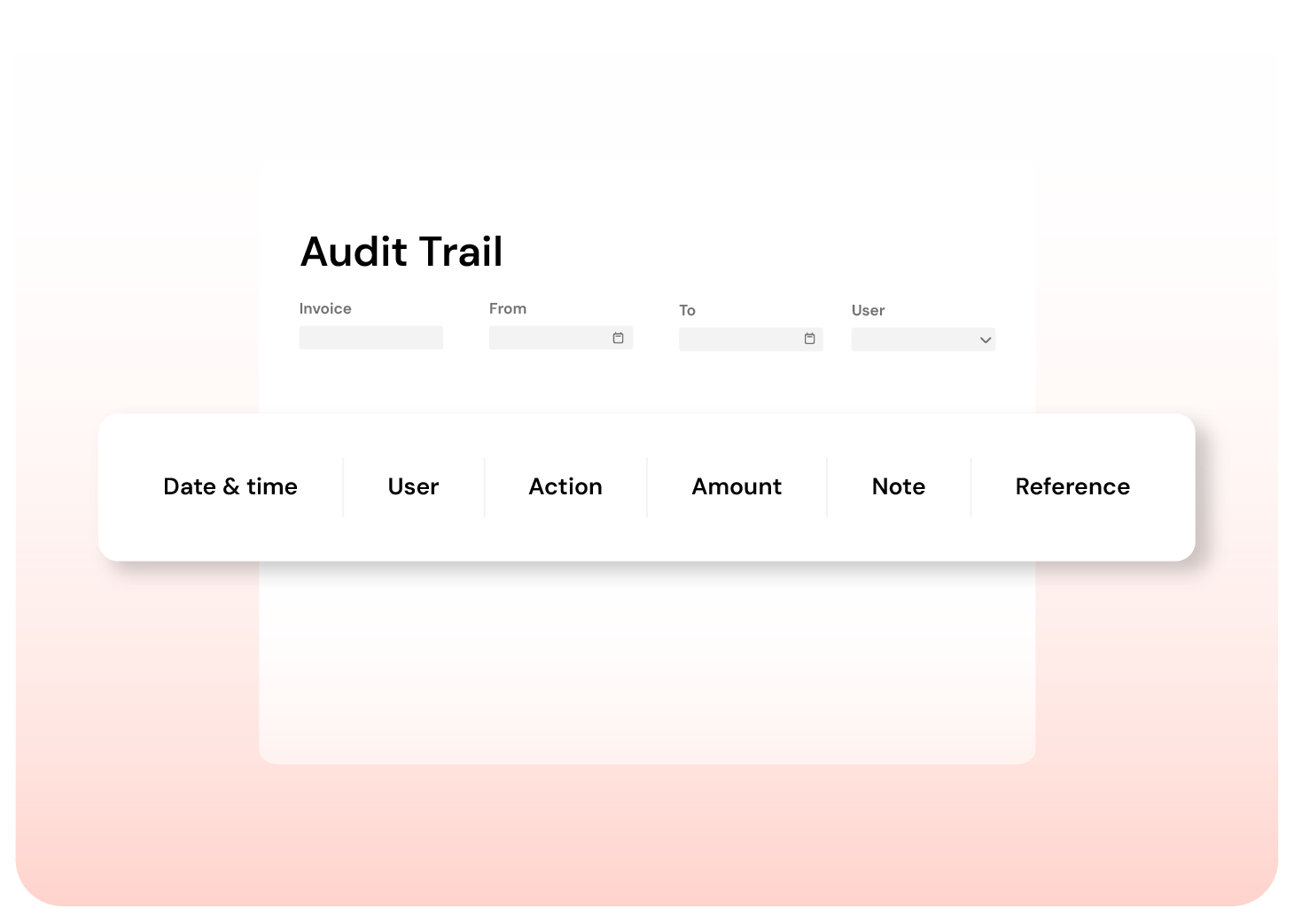
Finofo logs comments, edits, approvals, rejections, mentions, and status changes in a shared timeline. Your team can see who did what, when, and why without digging through inboxes before audit or month-end review.
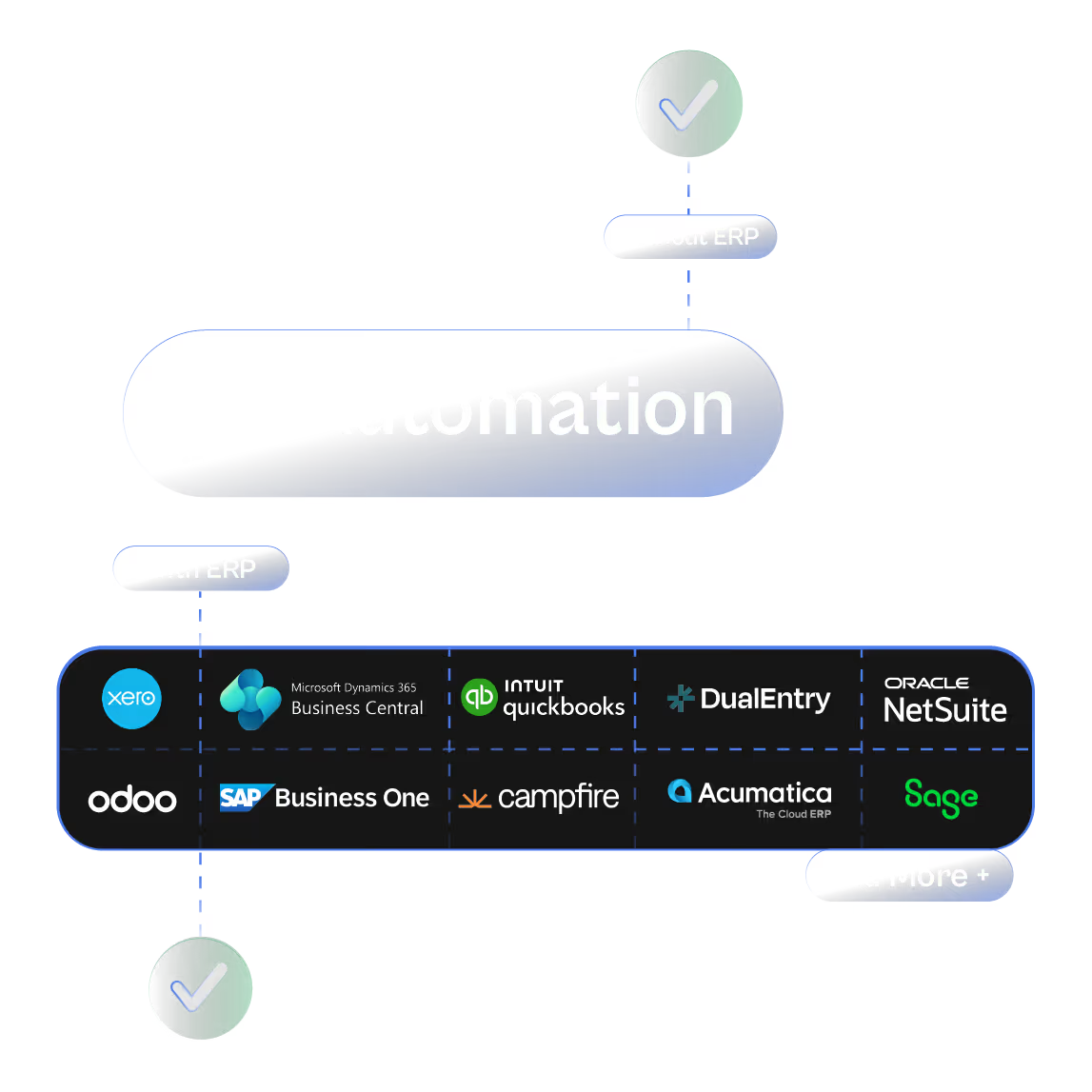
Finofo works whether you’re running NetSuite, Intacct,
or a spreadsheet.
Most AP systems stall until your ERP sends a PO or goods receipt.
Finofo doesn’t wait. It captures, classifies, and matches documents the moment they arrive so your team can move faster without breaking your existing stack.
Here’s what you get out of the box:

Real-time document capture from email, chat, or drag and drop

AI that understands messy or incomplete invoices and POs

Line-level 3-way matching without touching your WMS or inventory module

Instant setup to go live the same day

Clean, coded invoices automatically posted back to your ERP when ready
Every invoice into one AP inbox, from anywhere. Read line by line, coded, checked, and posted to your ERP.
Card expenses and claims in one queue, on the corporate cards you already have. Receipts matched, statements reconciled.
Approve purchases before the commitment. Invoices matched to POs and GRNs line by line, exceptions flagged automatically.




