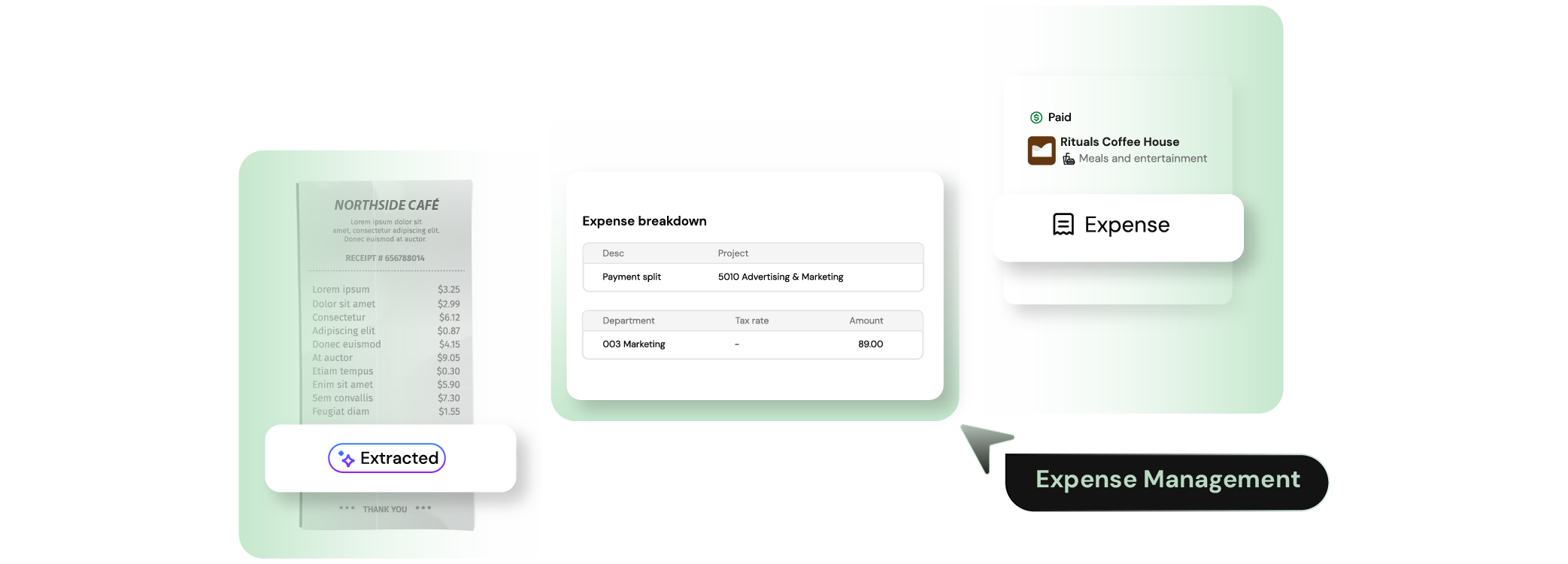
Employees send a receipt by text, email, upload, or mobile. They use whichever path is closest.
Receipts are matched to the card transaction as statement data is pulled from the provider or uploaded by finance.
Merchant, category, project, department, tax, and amount are read from the receipt and prepared for review.
The expense is checked against policy before it reaches an approver.
The finished entry is synced to your
accounting system with the receipt attached.
Finofo can pull statement data directly from the provider or process uploaded card statements, then match receipts to charges and prepare the expense record for finance review.
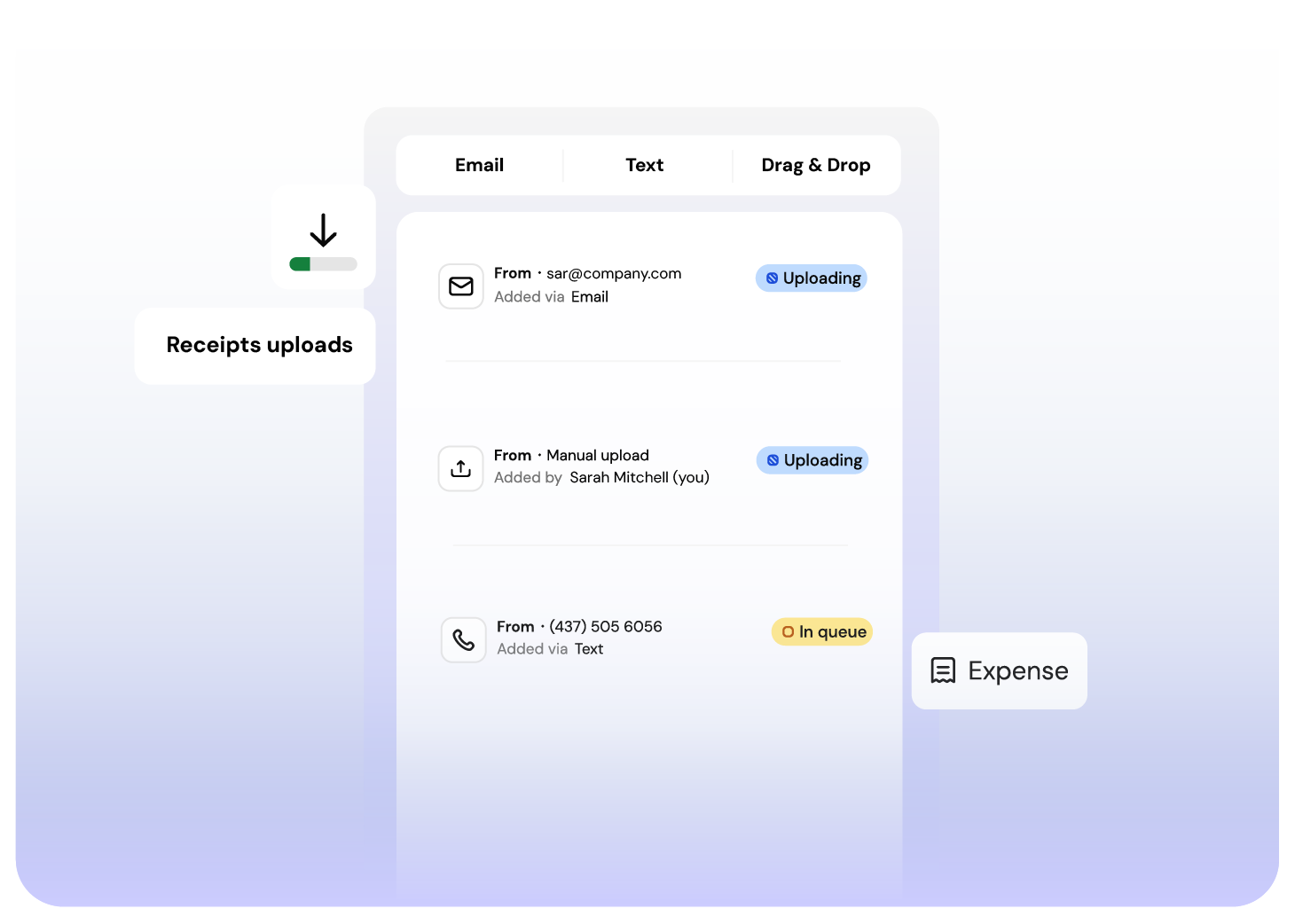
Finofo lets users send receipts by text, email or simple drag & drop. The system extracts merchant, amount, date, tax, and line items, then prepares the expense for review.
For most expenses, the employee confirms what Finofo already filled in and moves on.
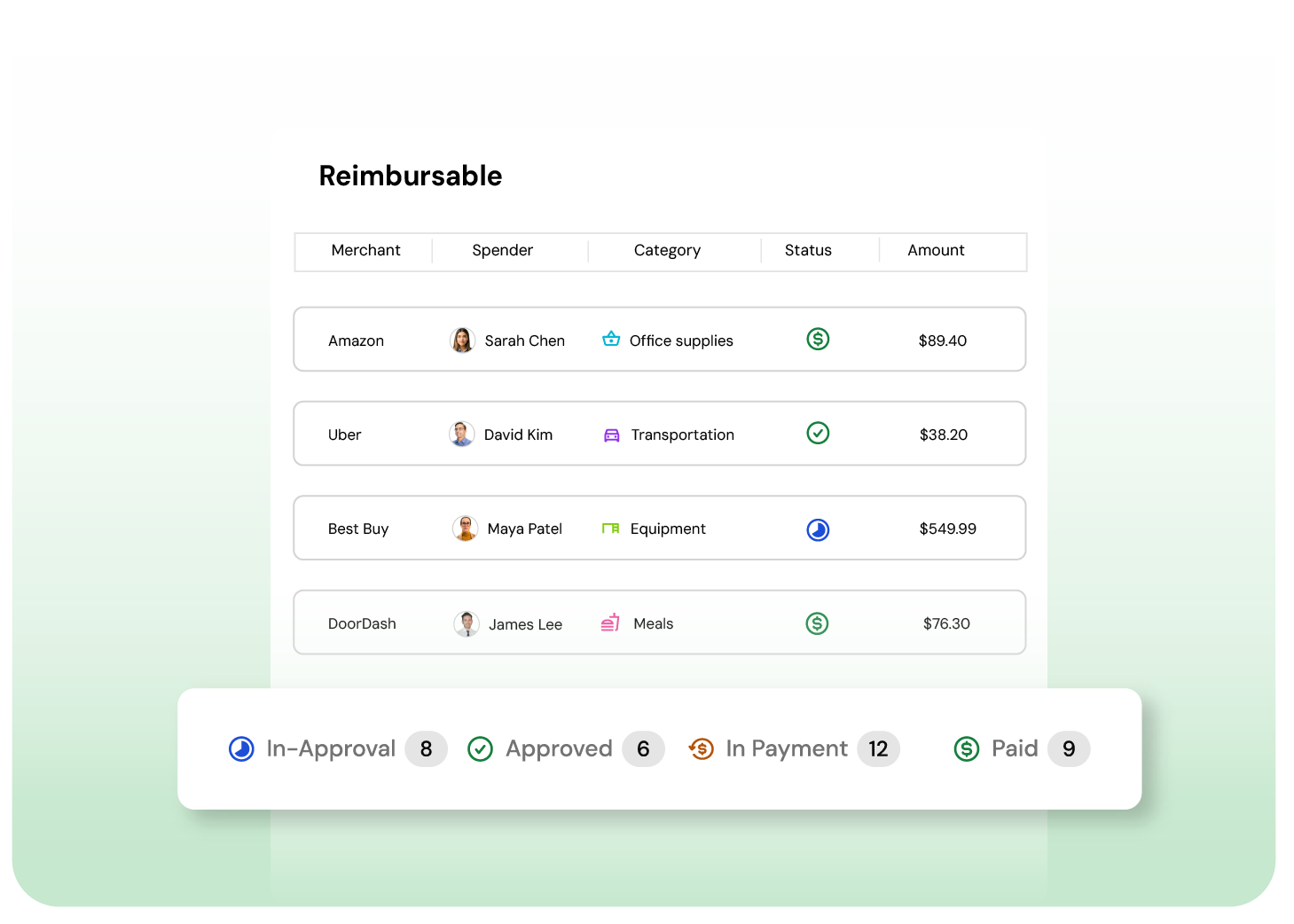
Finofo turns approved reimbursable expenses into payables inside the AP workflow. Finance can reimburse employees through Finofo payment rails, batch reimbursements into payment runs, or mark reimbursements as paid externally.
Employees get a clear path from receipt to approval to payment. Finance gets the audit trail.
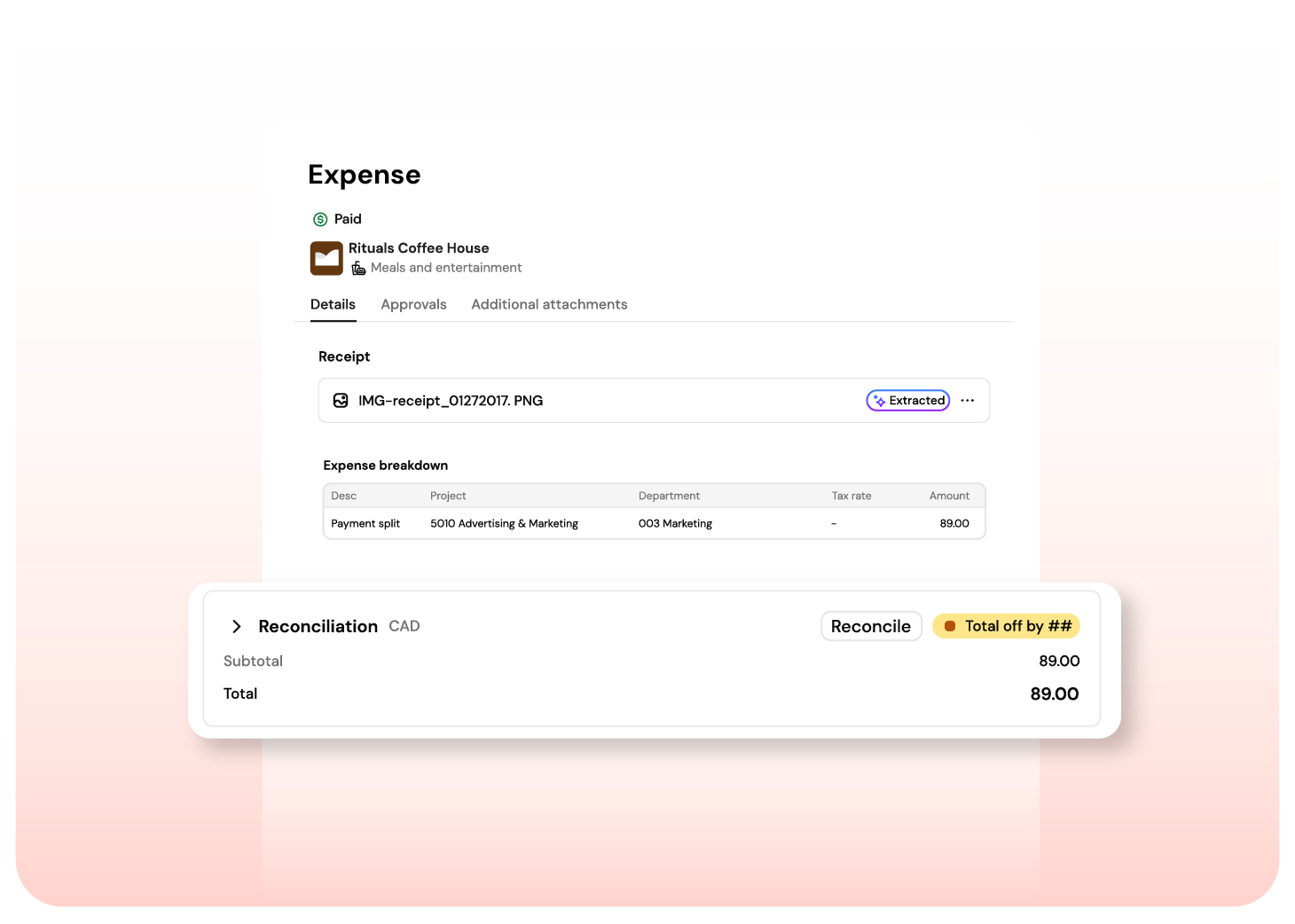
Finofo matches receipts to card transactions using merchant, amount, currency, and date. Statement data can be pulled directly from the bank or card provider, or uploaded when a direct connection is not used. Strong matches link automatically. Suggested matches go to the user for confirmation. Unmatched charges stay visible until the receipt or lost receipt declaration is resolved.
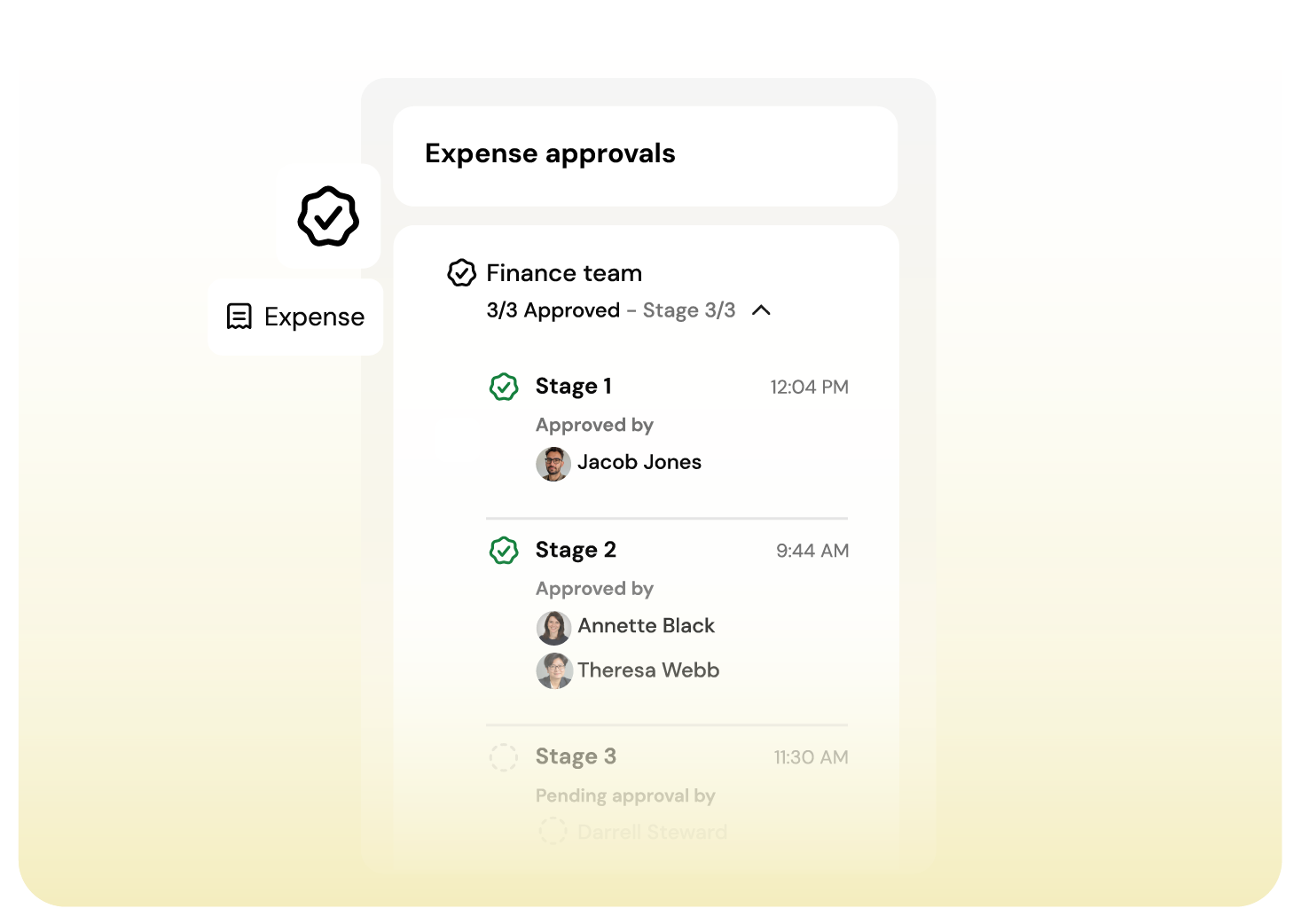
Finofo routes reports through team approval and finance review before anything moves downstream. Approvers can review individual expenses, approve in bulk, send reports back, or act on behalf of users who need help finishing a report.
No one approves their own expenses. The approval record stays with the report.
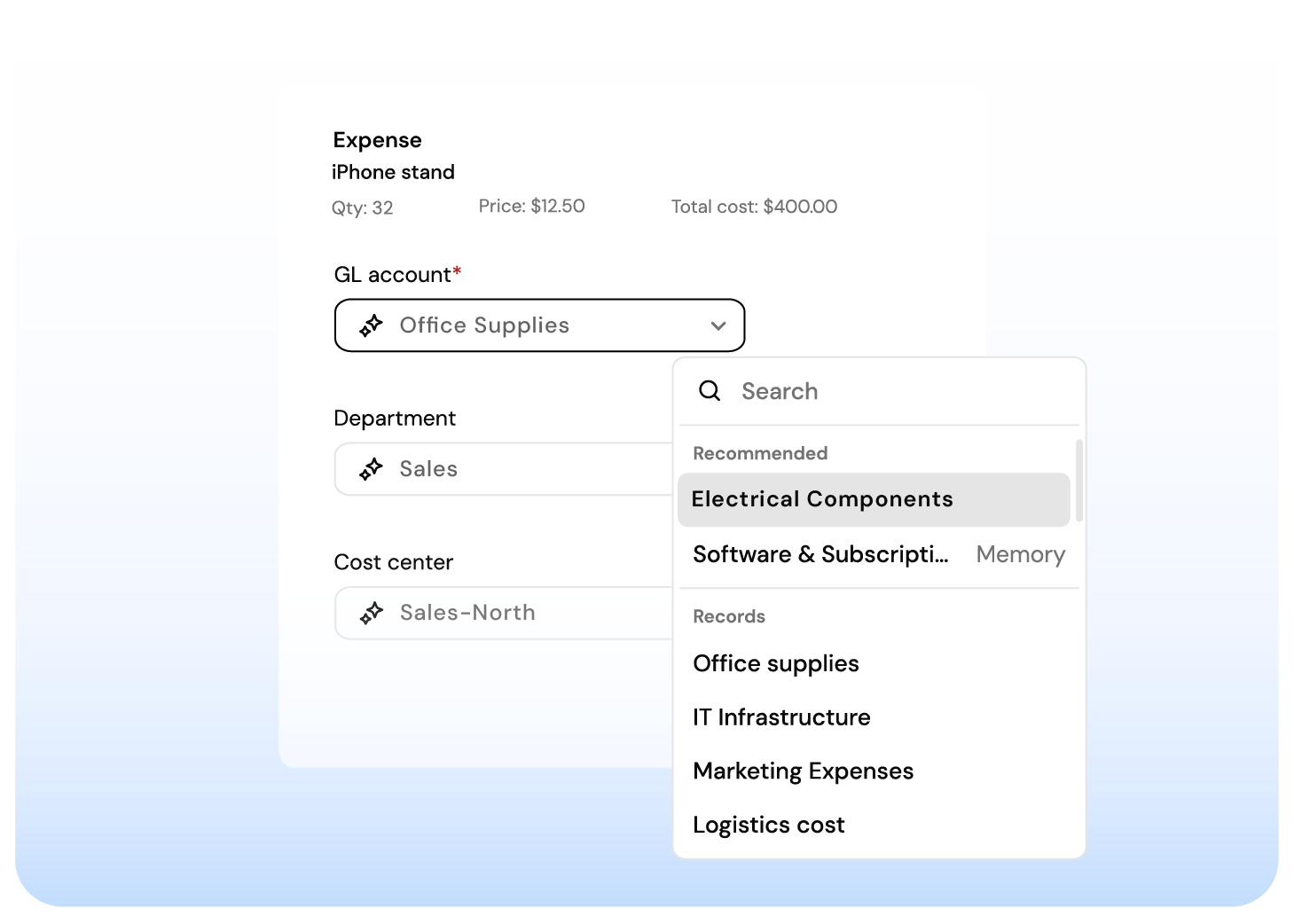
Finofo pre-suggests GL coding based on category mappings, merchant patterns, and history. Finance can confirm GL accounts, dimensions, cost centers, projects, departments, and tax codes before the report moves downstream.
The accounting system receives clean entries, not a pile of receipt-level noise.
Finofo works whether you’re running NetSuite, Intacct,
or a spreadsheet.
Most AP systems stall until your ERP sends a PO or goods receipt.
Finofo doesn’t wait. It captures, classifies, and matches documents the moment they arrive so your team can move faster without breaking your existing stack.
Here’s what you get out of the box:
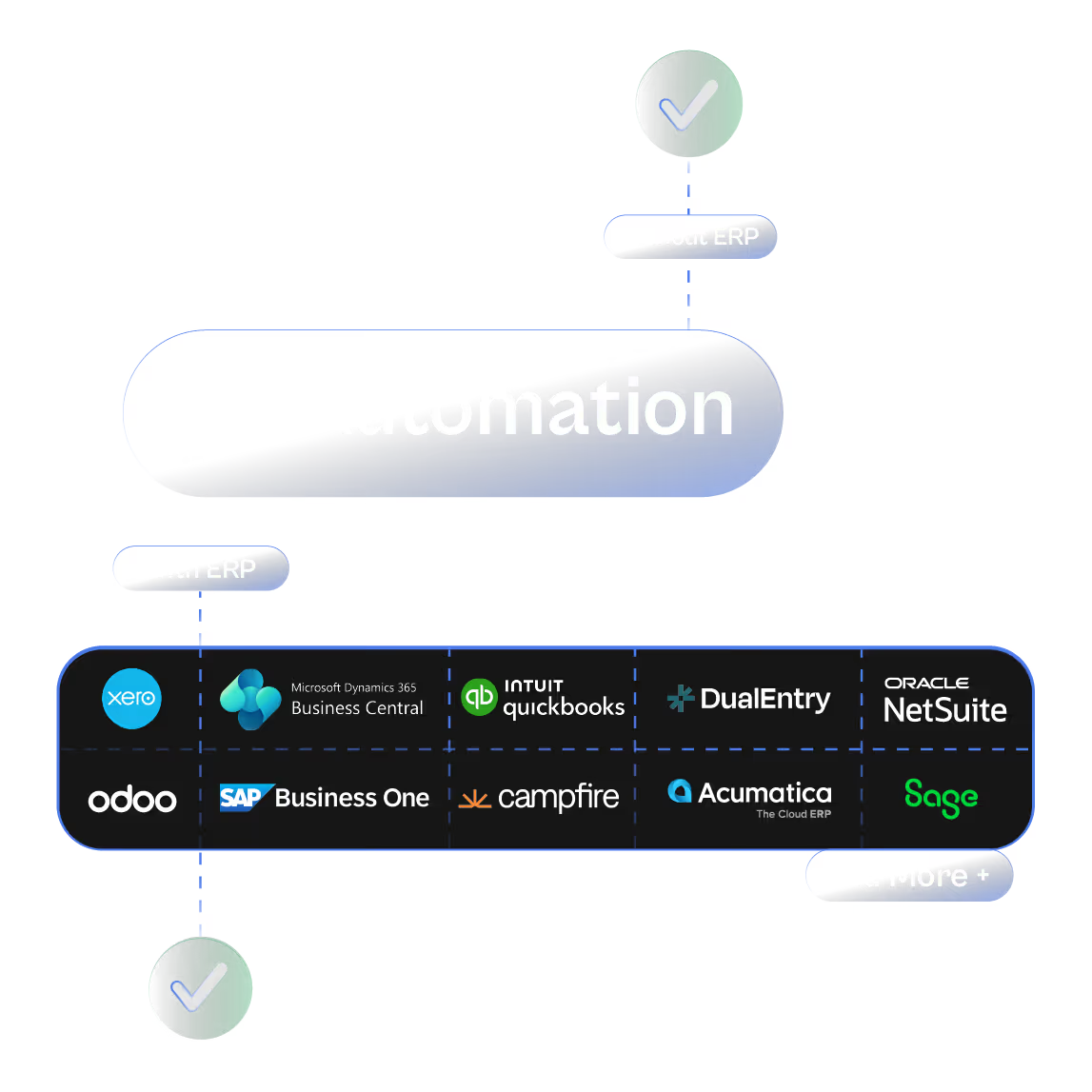

Real-time document capture from email, chat, or drag and drop

AI that understands messy or incomplete invoices and POs
Line-level 3-way matching without touching your WMS or inventory module

Instant setup to go live the same day
Clean, coded invoices automatically posted back to your ERP when ready
Every invoice into one AP inbox, from anywhere. Read line by line, coded, checked, and posted to your ERP.
Approve purchases before the commitment. Invoices matched to POs and GRNs line by line, exceptions flagged automatically.
Comment, tag teammates, and resolve exceptions directly on invoices and line items. No inbox noise.




