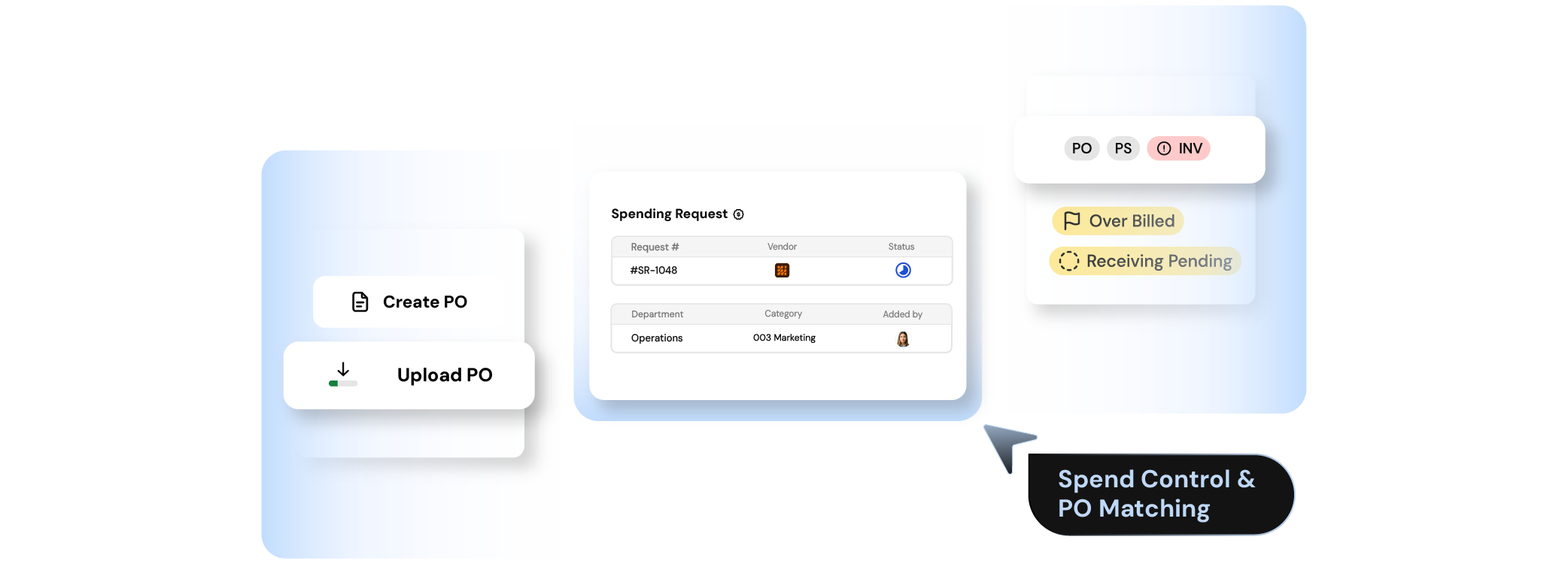
Create the PO in Finofo or bring it in from the system you already use. When needed, route a spend request for approval before the PO is issued.
Record what arrived or what service was accepted against the PO, including partial receiving.
The invoice arrives and links to the PO. Matching runs against price, quantity, unit, tax, and amount.
Every exception gets reviewed as a clear decision, without editing the original invoice.
Once the lines are matched or resolved, the invoice
moves to approval, accounting sync, and payment.
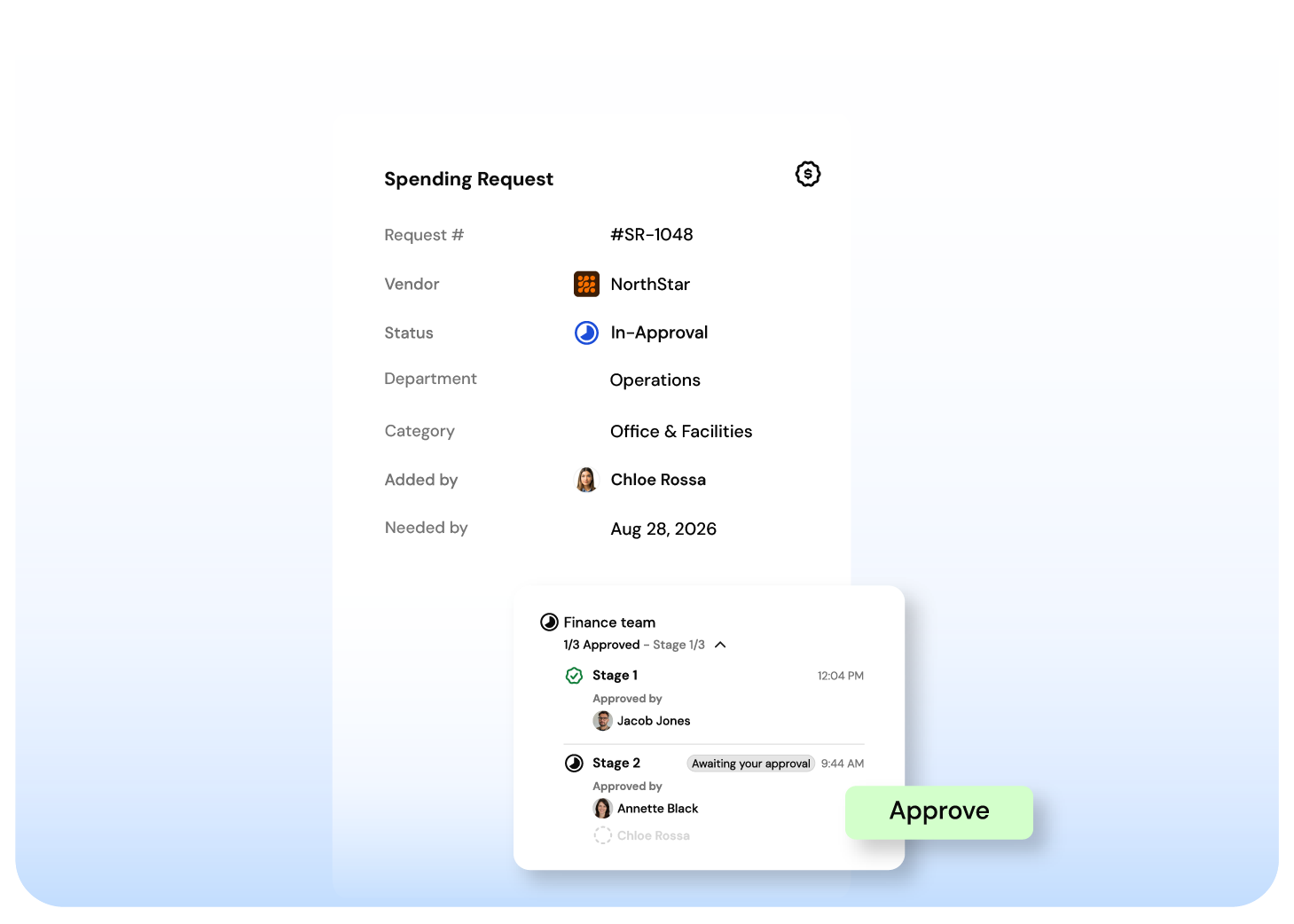
Finofo lets users request spend before a PO is created. Finance can route the request through the right approval path based on entity, vendor, department, amount, category, or custom rules.
Once approved, the request becomes the control point for the PO and the invoice that follows.
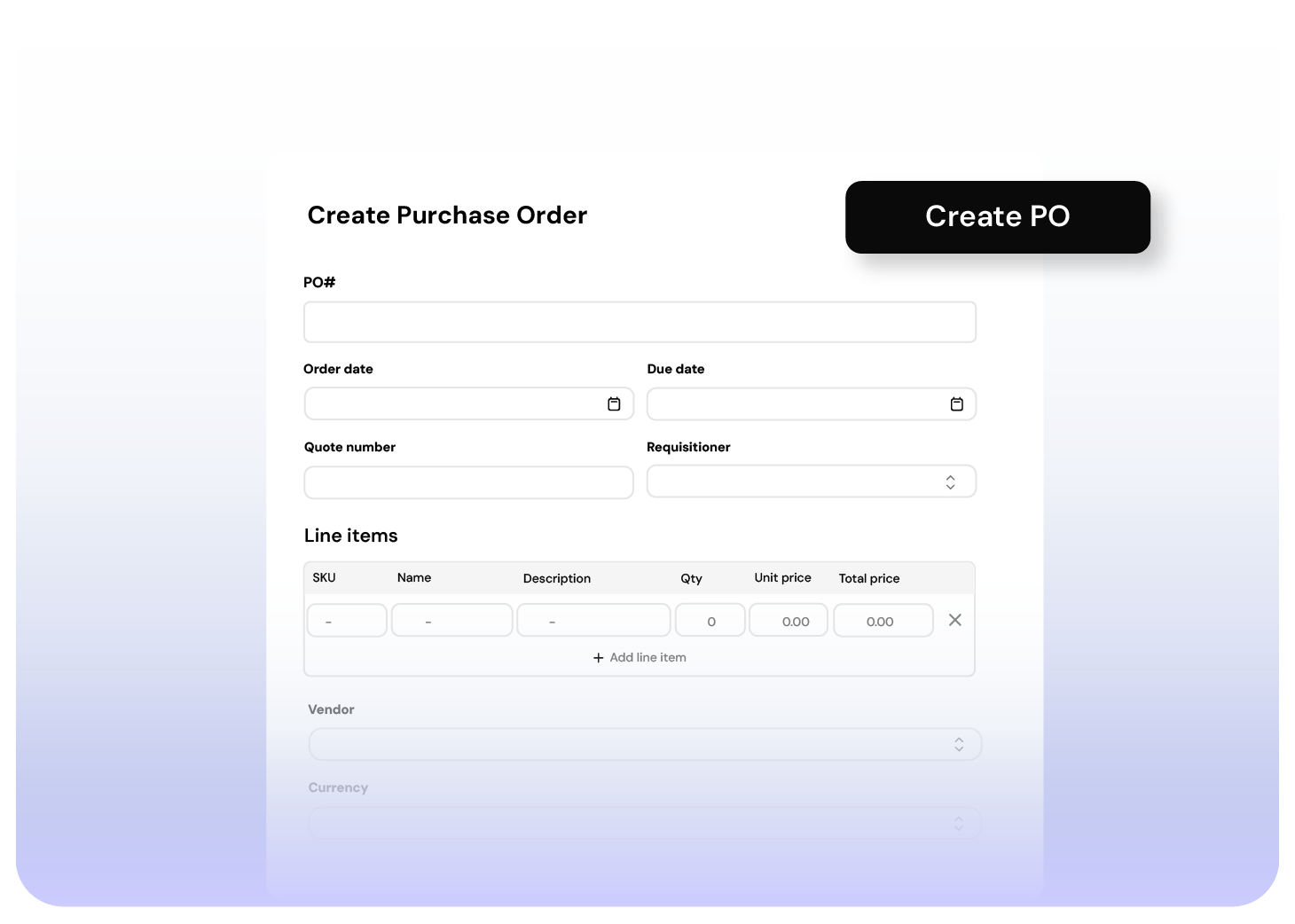
Finofo lets teams create purchase orders directly inside the AP workflow. Users can raise POs against a catalogue of products, services, saved vendor offerings, preferred suppliers, and contracted rates.
The PO becomes the control document. AP no longer has to guess whether the invoice was expected.
Finofo does not require every PO to be created inside Finofo.
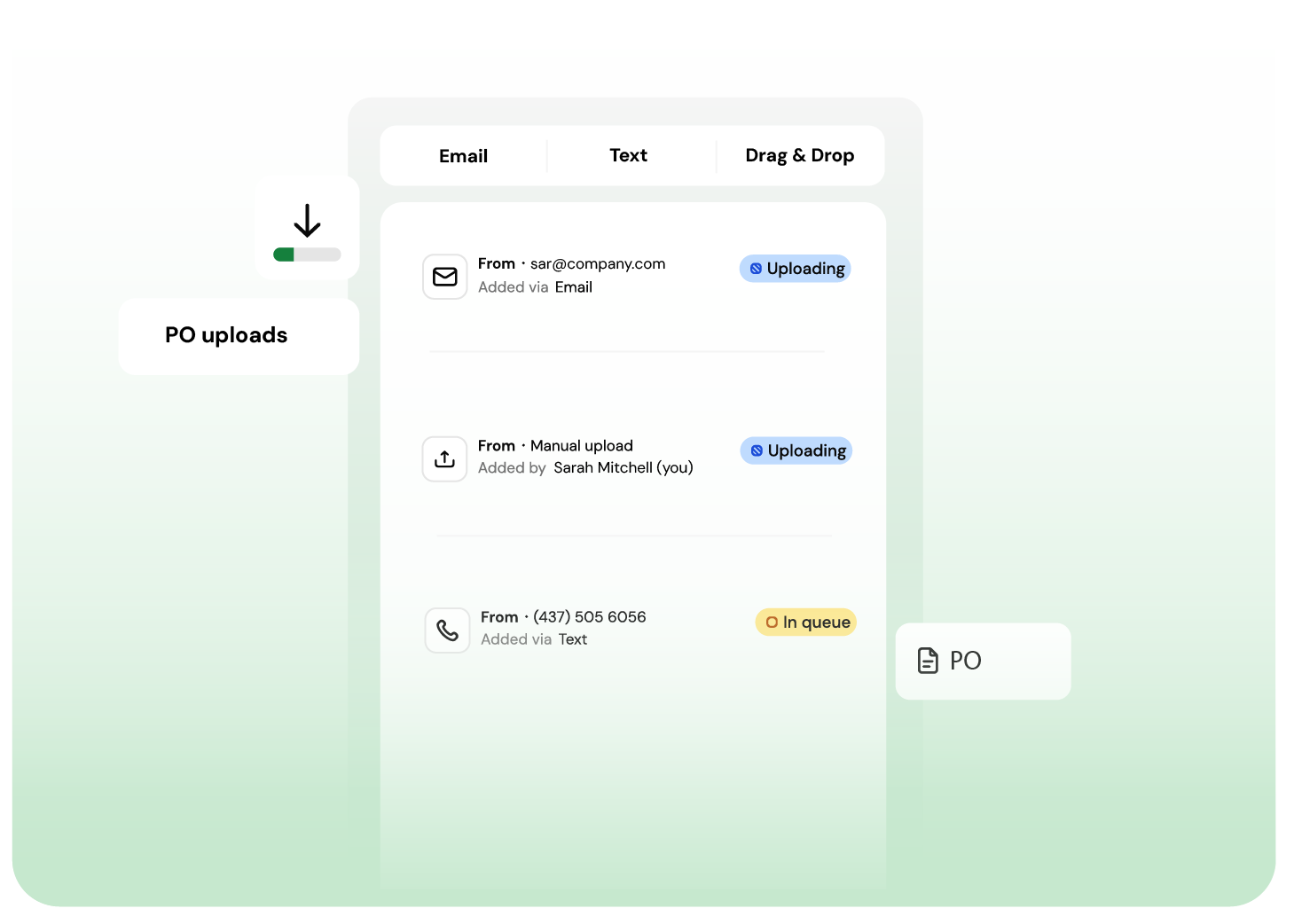
If your team already raises POs in another system, those POs can be brought into Finofo and used as the matching source for incoming invoices. Your existing procurement process can stay in place while AP gets better matching, exception handling, and visibility.
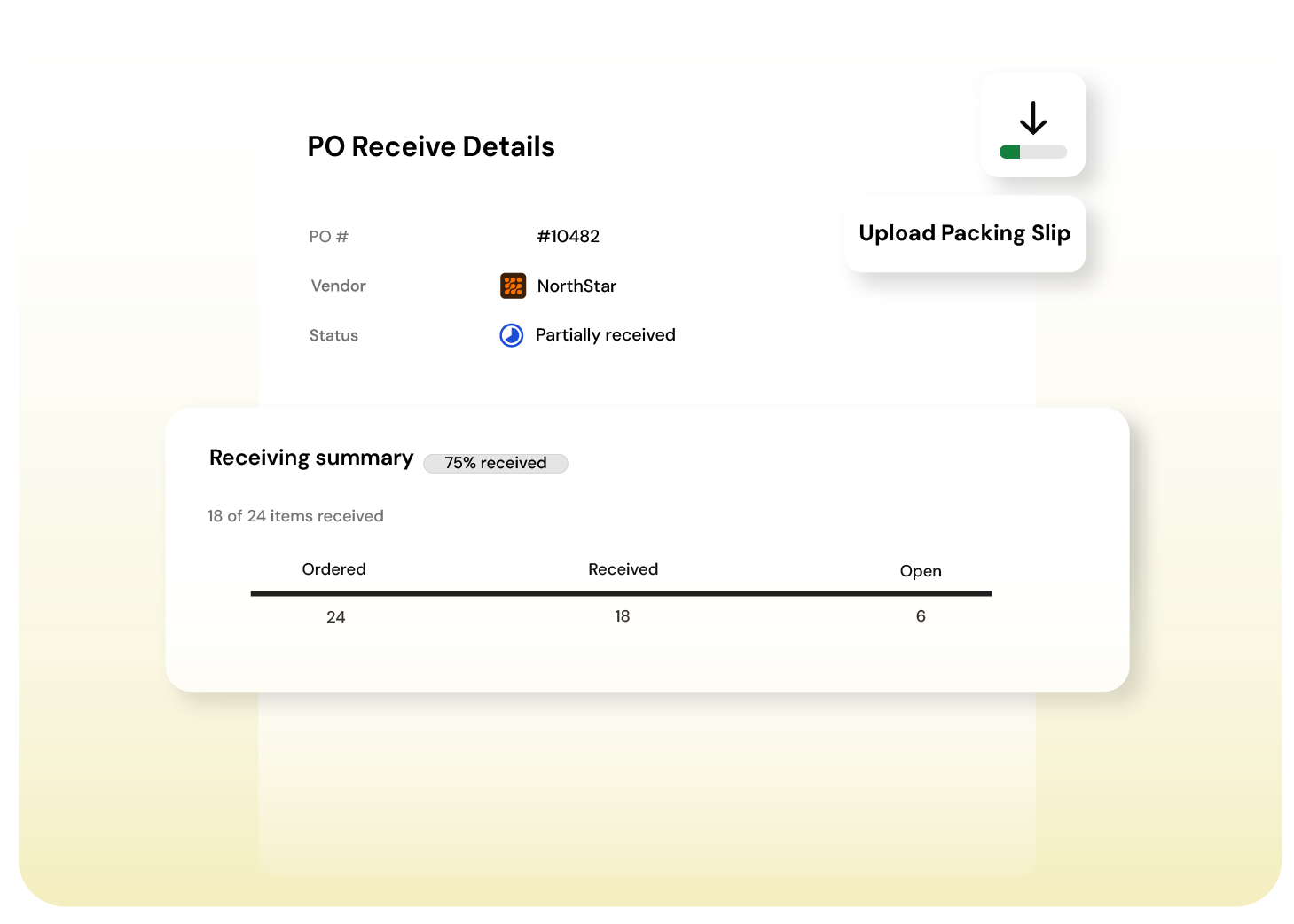
Finofo lets teams confirm what was received against the PO, then uses that receiving context when matching the invoice. That gives AP a clearer answer to the question that matters: was this ordered, received, priced correctly, and approved?
When the invoice arrives, Finofo matches it back to the PO and receiving context.
The system checks invoice lines against what was approved and received, including SKU, quantity, unit of measure, unit price, tax, and total. Clean matches move forward. Variances are flagged before approval, posting, or payment.
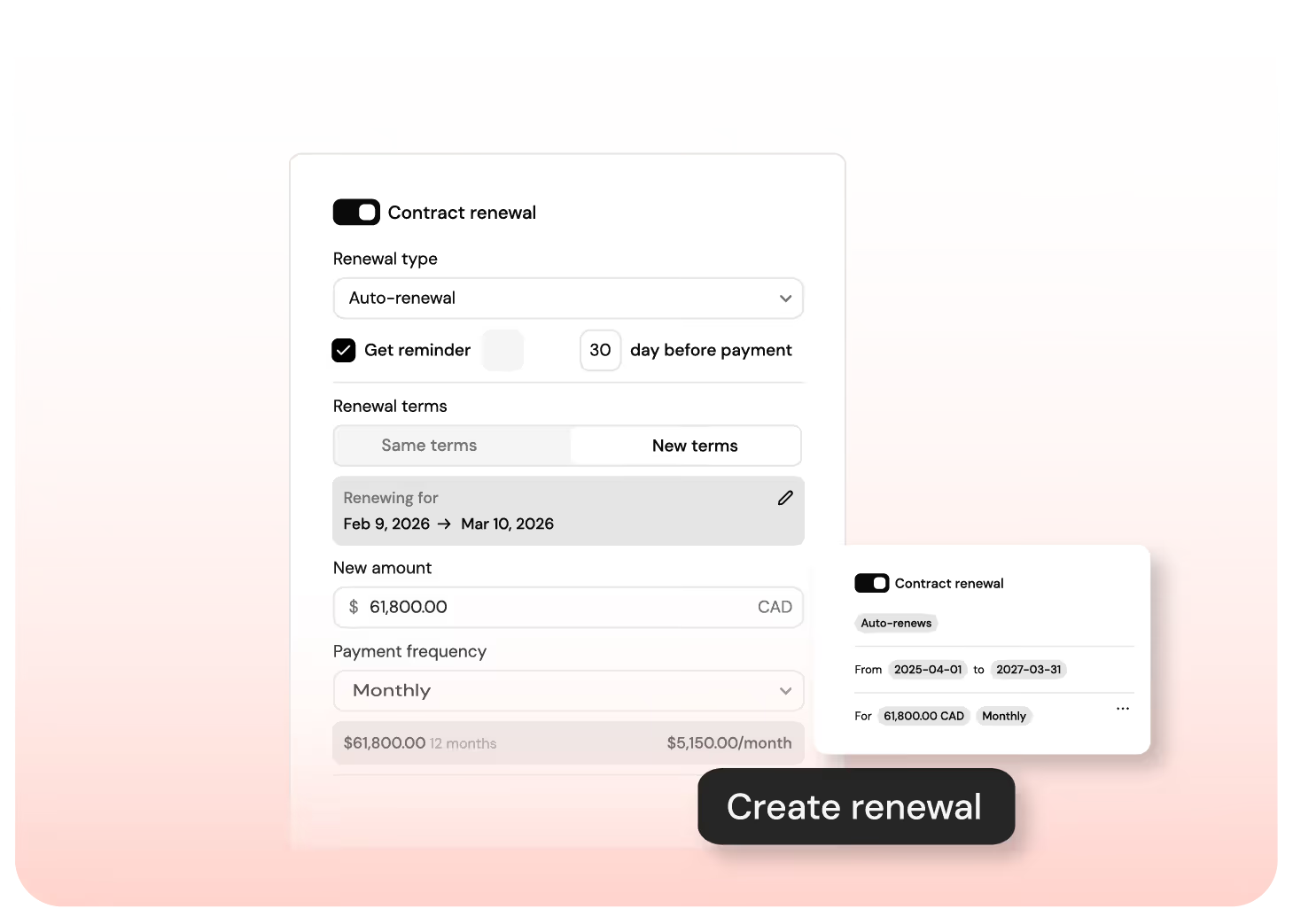
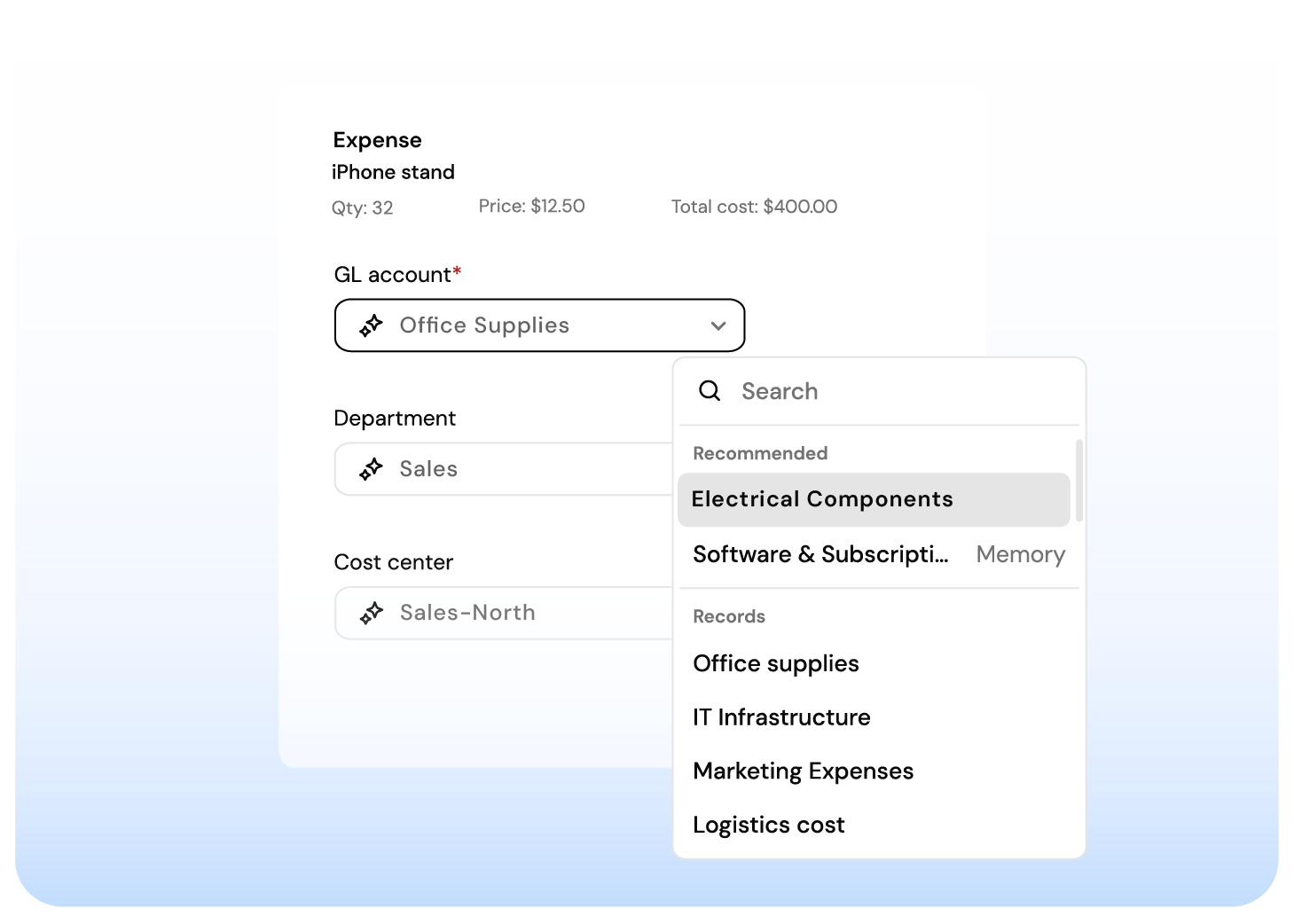
Finofo routes unmatched invoices through the right exception path. A missing PO, price variance, quantity issue, or receiving gap can trigger extra review before the invoice moves on.
Finance controls the rule. AP gets the context.
Finofo works whether you’re running NetSuite, Intacct,
or a spreadsheet.
Most AP systems stall until your ERP sends a PO or goods receipt.
Finofo doesn’t wait. It captures, classifies, and matches documents the moment they arrive so your team can move faster without breaking your existing stack.
Here’s what you get out of the box:
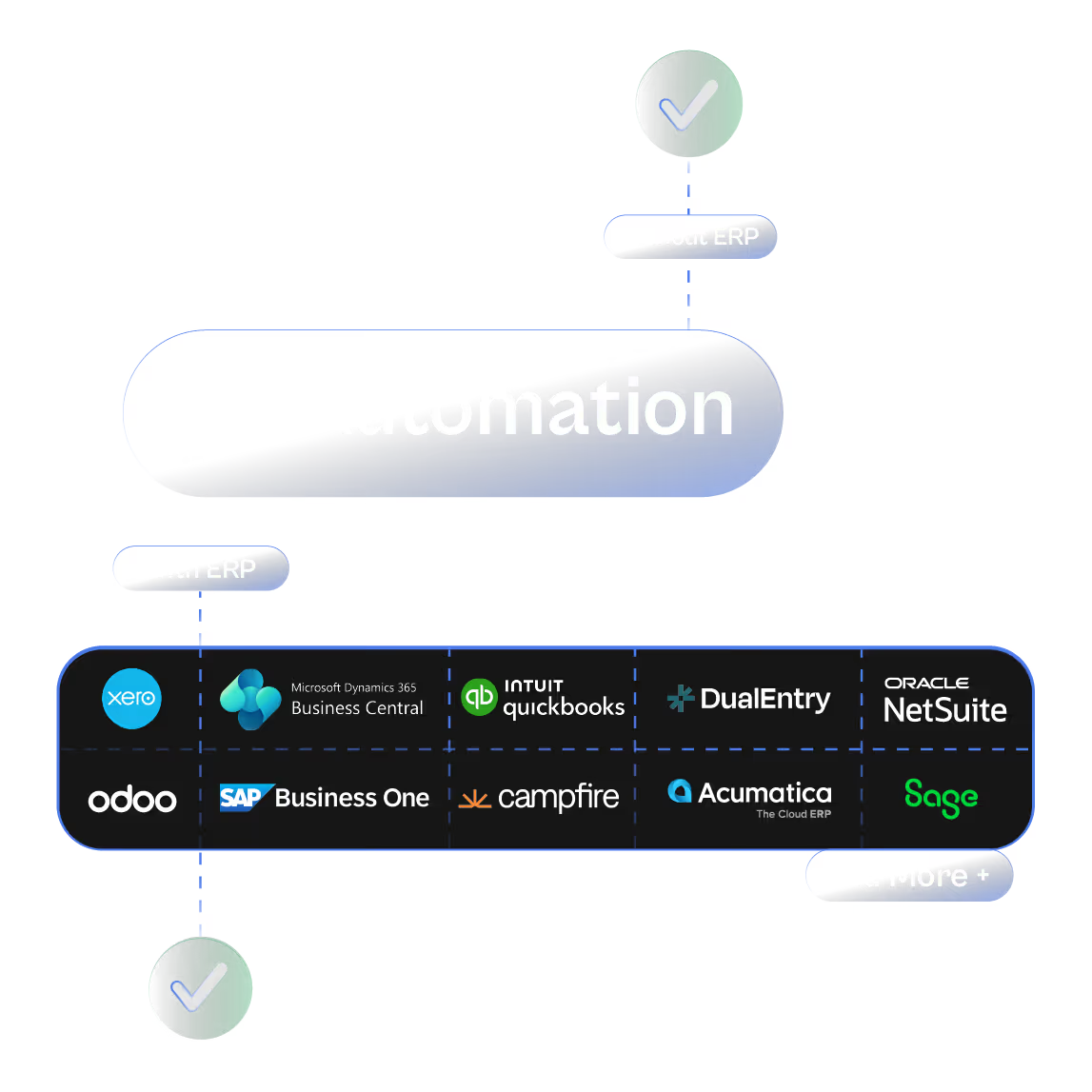

Real-time document capture from email, chat, or drag and drop

AI that understands messy or incomplete invoices and POs

Line-level 3-way matching without touching your WMS or inventory module

Instant setup to go live the same day
Clean, coded invoices automatically posted back to your ERP when ready

Ingest invoices, POs, and packing slips from email or upload. Centralized, searchable and ready for automation.
AI matches invoices, POs and GRNs line by line, flags exceptions and blocks overpayments automatically.
Comment, tag teammates, and resolve exceptions directly on invoices and line items. No inbox noise.



