An invoice cannot be submitted until every step of its Approvals checklist is complete, for example Ready to submit: 5 of 7 complete.
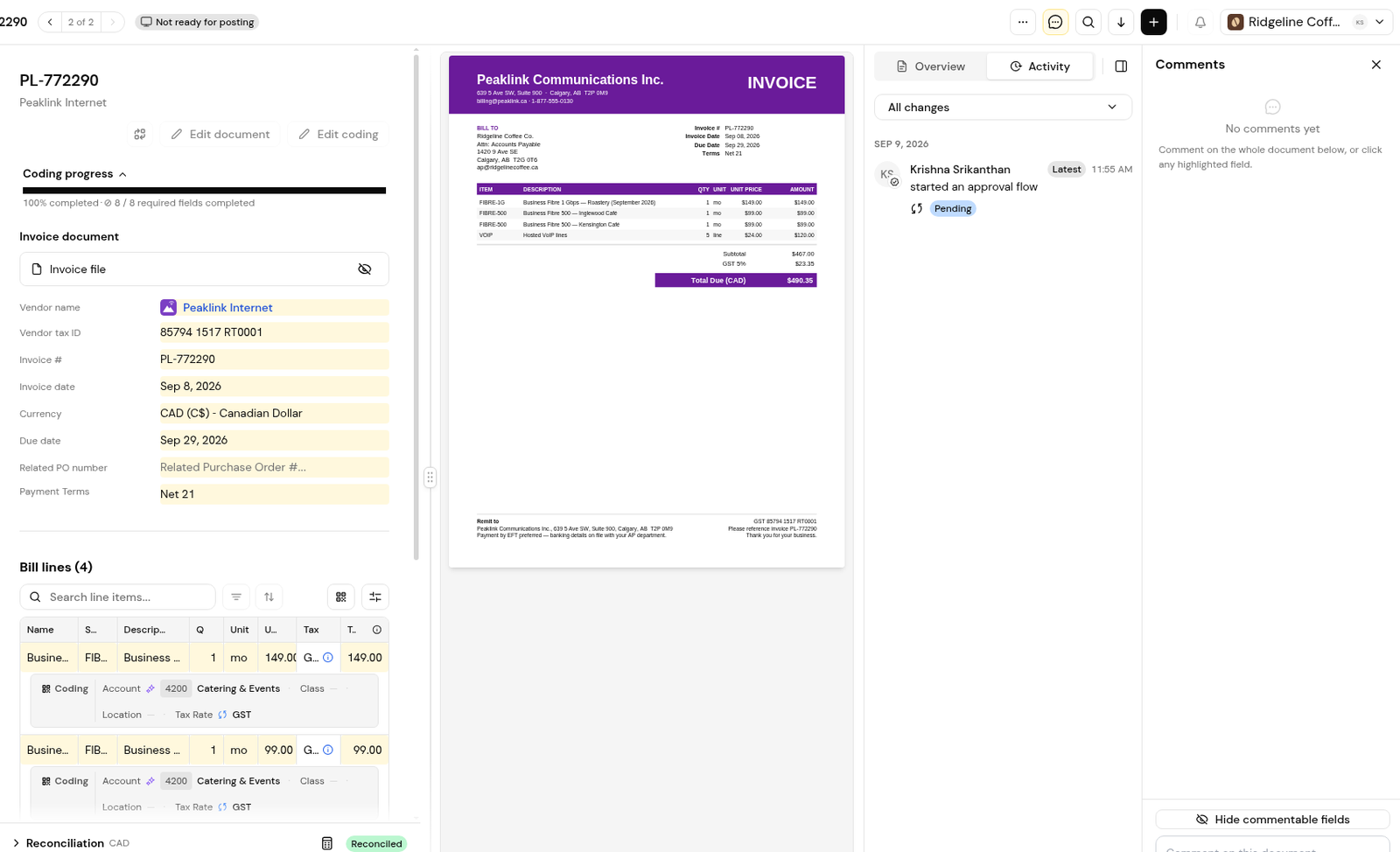
Select an incomplete step to jump to it, fix the coding, tax or matching problem it points to, then click Submit for approval.
For an invoice linked to a PO, the checklist steps are Vendor assigned, Invoice number, Invoice date, Due date, GL coding complete, Purchase order linked and PO reconciliation resolved. A non-PO invoice has the first five steps plus Marked as a non-PO invoice.
Finofo checks each invoice's coding against your configured dimensions and their valid combinations, so coding to the wrong entity or an invalid combination is flagged. Tax is read per line, and tax that does not agree with the lines is flagged before anything posts to your ERP. Exception flags such as Not Received point to matching problems. Finofo flags these issues; a person fixes them.
1. Open the invoice and find the Approvals checklist.
2. Select the first incomplete step. Finofo takes you to the right place.
3. Complete the step, then return to the checklist.
4. Repeat until every step is complete, then click Submit for approval.
1. Find the line whose coding is flagged.
2. Click Edit coding and choose the correct entity, account or class.
3. Confirm Coding progress shows every required field complete.
1. Open the popover on each line's Tax cell and compare it with the PDF.
2. Check that Tax Rate is filled in the coding row under every line.
3. Click Edit coding to correct a wrong or missing rate.
Each flag below shows its meaning, followed by what to do.
1. Turn on Show commentable fields.
2. Comment on the field or bill line in question.
3. Type @ and choose a colleague. The mention reaches their My tasks.
At least one checklist step is incomplete. The checklist shows how many steps are complete and links to each one.
Not while PO reconciliation is unresolved. Each differing line needs a decision first.
No. Finofo has no option to move an invoice between organizations, so make sure vendors send documents to the right workspace address.
No. Duplicate checks run within one organization.


