Finofo finds the purchase order each invoice bills against while reading it, so most invoices arrive on In Progress already linked.
Check the link in the Linked Purchase Order section, use Unlink if it is wrong, and complete the Purchase order linked step, which asks for a closed purchase order.
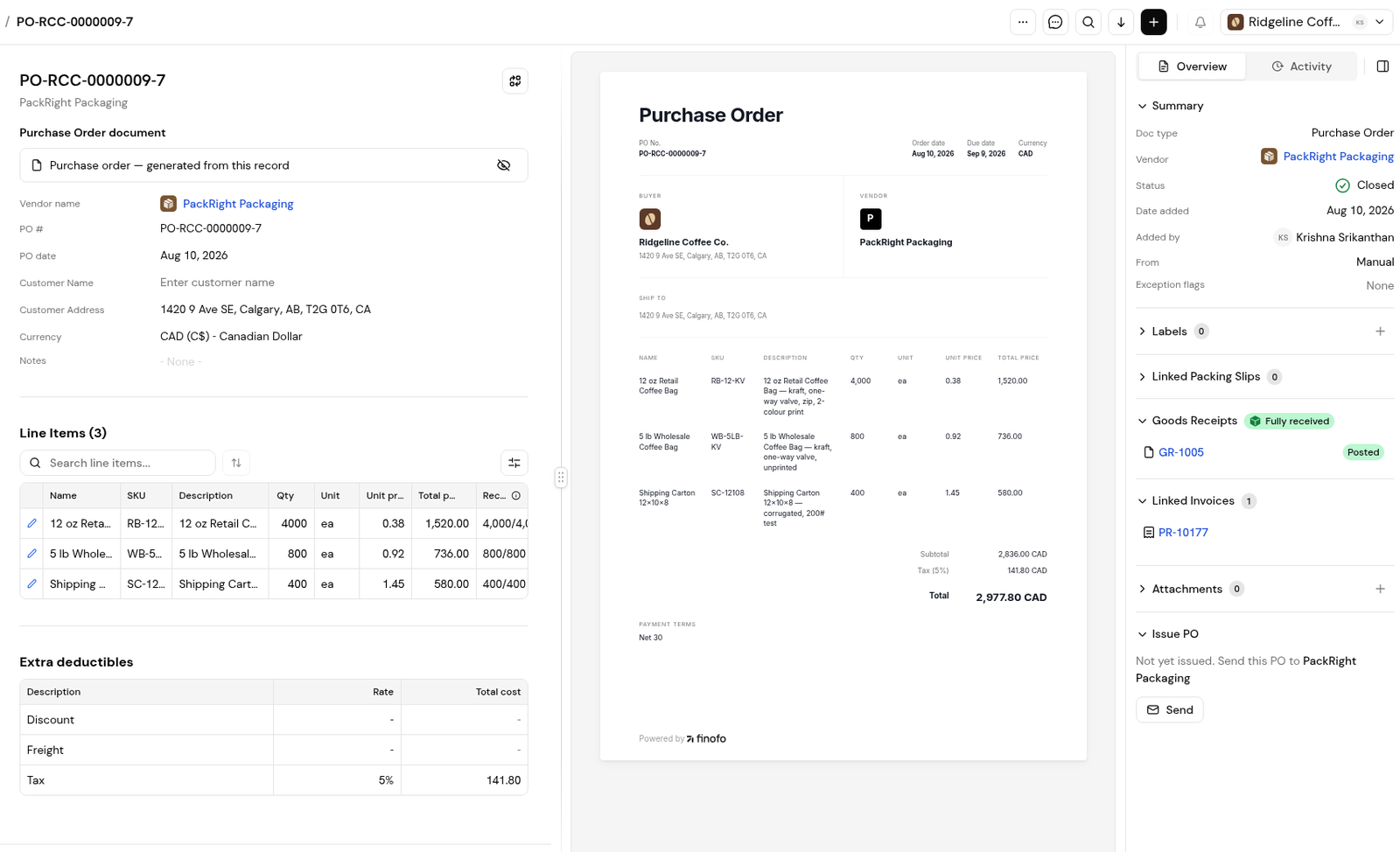
The link shows in the invoice's Related PO number field and its Linked Purchase Order section, and on the PO under Linked Invoices. One PO can have several invoices.
The Purchase order linked step reads "Link a closed purchase order, or mark this invoice as a non-PO invoice." Closed POs show a Closed chip. Closing a linked PO moves its related invoices to ready for approval, and reopening it moves them back to In Progress. Cancelling a PO also cancels its related invoices and packing slips.
1. Open the invoice from Documents > Invoices.
2. Check Related PO number in the header fields.
3. In the Overview panel, open Linked Purchase Order. Click the PO to open it.
1. In Linked Purchase Order, open the ... menu on the PO row.
2. Choose Unlink.
3. If the invoice has no PO, mark it as a non-PO invoice in the Purchase order linked step.
1. Open Documents > Purchase orders and open the PO.
2. In the Overview panel, review Linked Invoices and Goods Receipts.
3. Click Open reconciliation to compare linked invoices with the order line by line.
4. When the order is fully received and billed, click Close Purchase Order.
Usually not. Finofo finds the PO while reading the invoice. Check the link before you submit.
Open the ... menu on the PO row in Linked Purchase Order and choose Unlink.
Yes. The PO lists every linked invoice, and reconciliation compares each one against the order.
They are cancelled too, along with the PO's packing slips.


