Global search finds invoices, purchase orders, packing slips, vendors and line items across your organization from any screen.
Press Ctrl+K, type, then narrow the results by type or status and press Enter to open one.
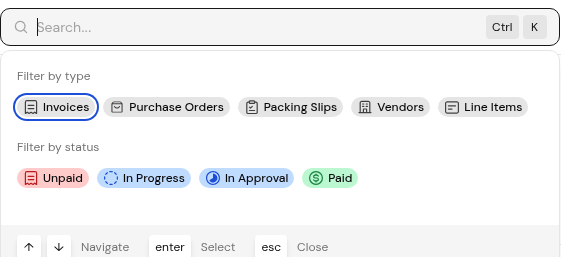
Search covers the organization you are signed in to. Filter by type narrows results to Invoices, Purchase Orders, Packing Slips, Vendors or Line Items. Packing Slips covers your goods receipts, which the left menu lists as Documents > Goods receipts. Filter by status narrows them to Unpaid, In Progress, In Approval or Paid.
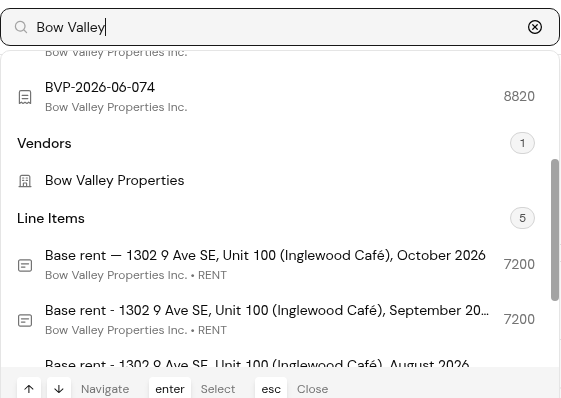
Results are grouped by type, with a count for each group.
1. Press Ctrl+K, or click the search box in the top bar.
2. Type a document number, vendor name or item description. Scroll the results to move from one group to the next.
3. Narrow the results with a type or status chip.
4. Use the up and down arrow keys to move through the results, Enter to select one, and Esc to close search.
No. It searches the organization you are signed in to. Switch organizations to search another.
Choose the Packing Slips type, or open Documents > Goods receipts.
Yes. Ctrl+K opens search, the arrow keys move, Enter selects and Esc closes.


