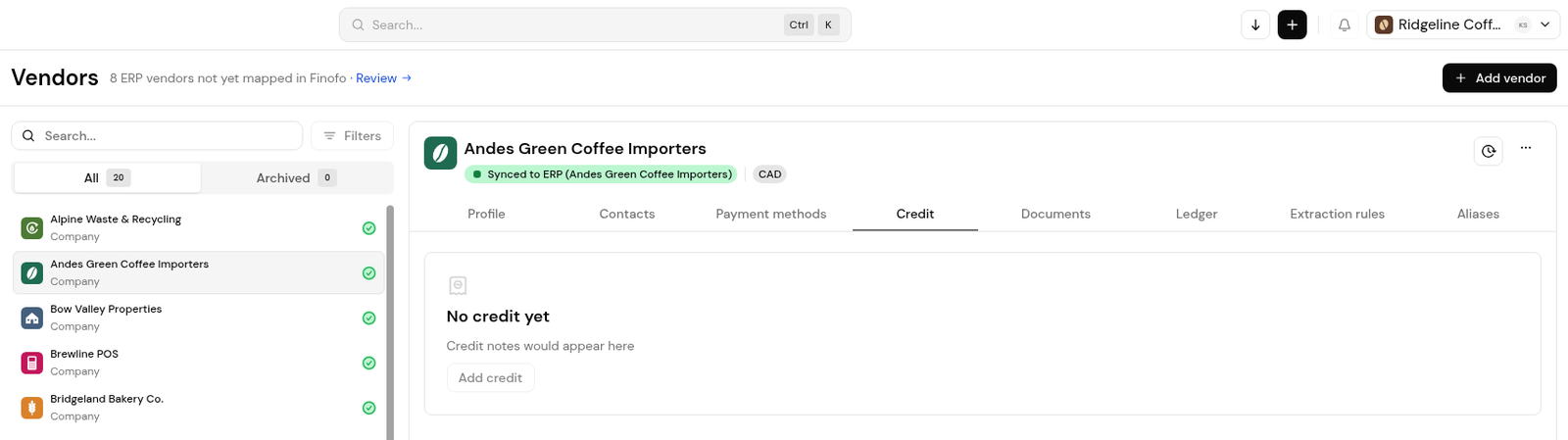
Each vendor profile has a Credit tab where the vendor's credit notes appear; a vendor without credits shows No credit yet.
A credit note processed as a negative invoice posts to your ERP as a vendor credit, and vendor credit is one of the payment methods in a payment batch.
A negative invoice posts to your ERP as a vendor credit (credit memo) against an accounts payable account. An account coded on the invoice is used first; the defaults in Settings > Integrations > Options cover invoices without one.
1. Open Vendors and select the vendor.
2. Open the Credit tab. Credit notes are listed here; with none, it shows No credit yet and the Add credit button.
1. Open Settings > Integrations.
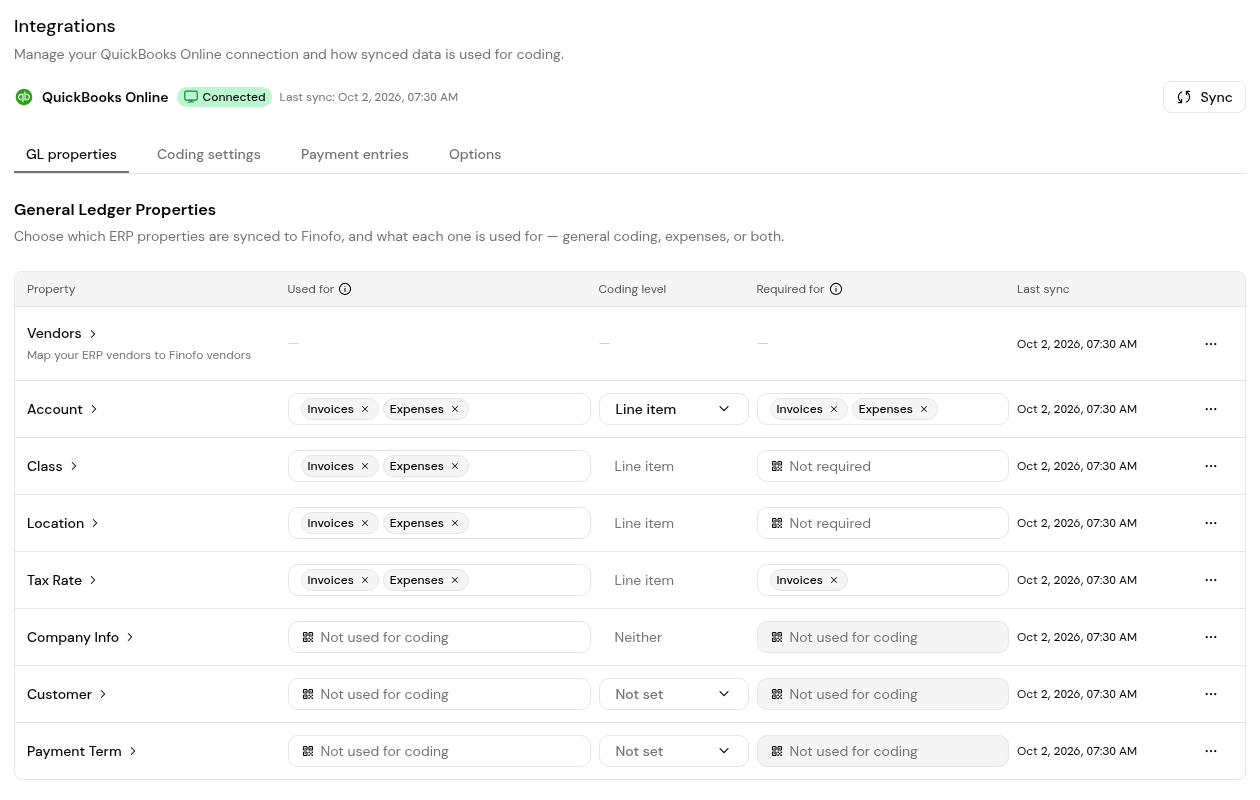
2. Under Options, set the default accounts payable accounts for vendor credits.
3. Add a separate vendor credit currency only if your ERP holds a separate accounts payable account for each currency.
4. On Payment entries, restrict the GL accounts that can be selected for Vendor Credit if needed.
Processed as a negative invoice, it posts as a vendor credit (credit memo) against an accounts payable account.
An account coded on the invoice first; otherwise the default in Settings > Integrations > Options.
Yes. In a payment batch, vendor credit is one of the payment methods that can be chosen for the vendor, alongside bank details and card.


